
Welcome to MyOps
A quick tour of MyOps: what it does, the core areas of the app, and where to start.
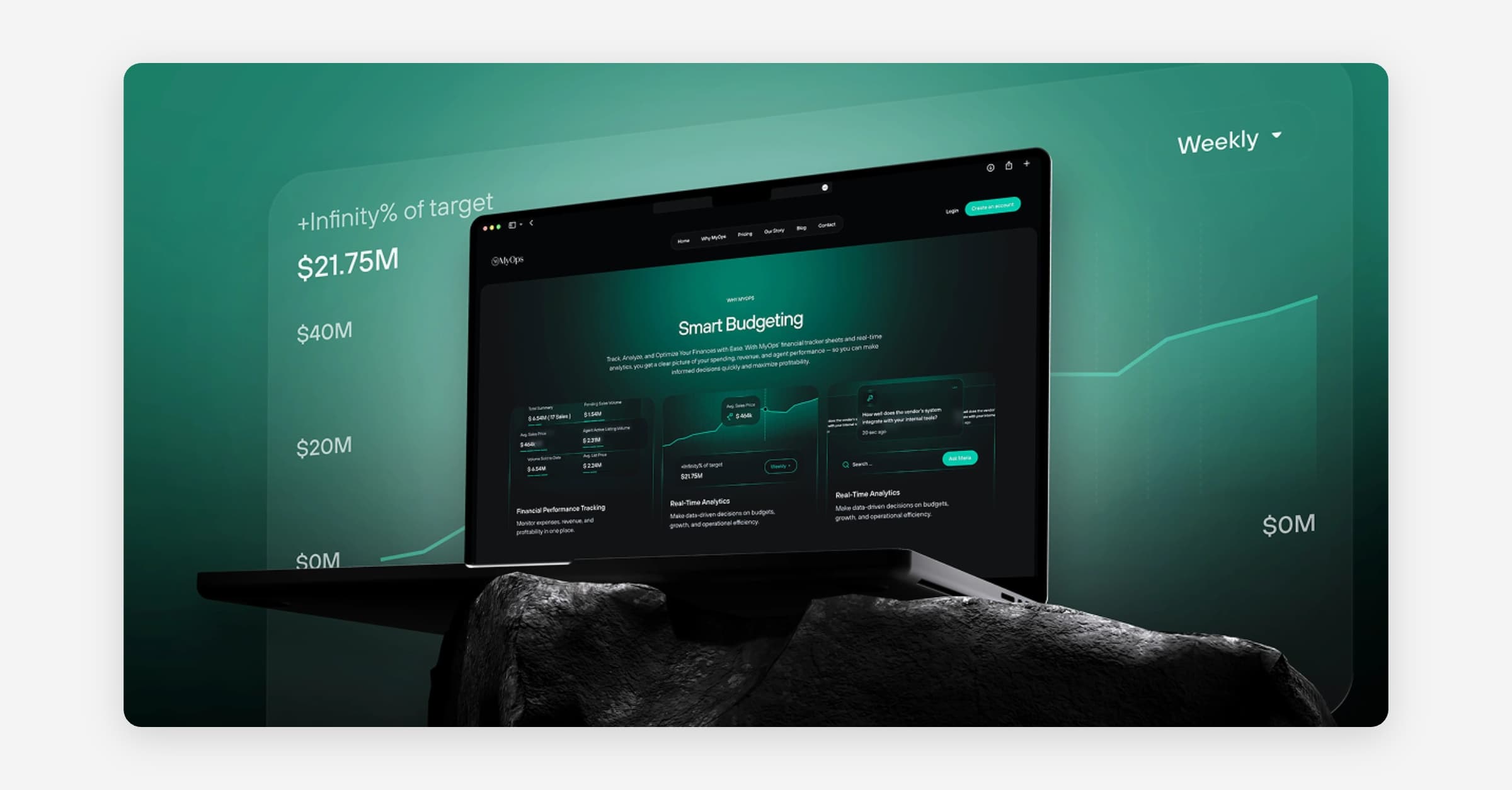
MyOps is the operations platform for real-estate teams. It brings your properties, listings, contracts, buyer needs, finances, and open houses into one place, with Maria, the built-in AI assistant, ready to answer questions and pull reports across all of it.
This guide is a quick tour: what each area does and where to start.
Core areas
My AI (Maria): The contextual AI assistant. Ask about your listings, contracts, properties, finances, open houses, vendors, or buyer needs, and Maria answers, summarizes, and cites the records it used. Also available as quick AI Search in the topbar.
Dashboard: Your landing page after sign-in: a team health overview with the member list, an agent leaderboard, and quick performance metrics.
Contacts: The people your business knows.
Operations (your day-to-day hub)
Listings: Manage active and archived listings; add one by document upload, manual entry, or a client intake form.
Contracts: Track every transaction from agreement to closing or cancellation.
Tasks: Create, assign, and track team tasks.
Open Houses: Plan and track open houses, capture visitor feedback, and notify the listing agent.
Finances: Track income, expenses, agent earnings, and profitability across five tabs.
Buyer Needs: Record buyer criteria and match buyers to available inventory.
Properties: The property database that listings and contracts build on.
Sales Tracker: A pipeline view of team sales.
Team (shared resources)
Vendors: Your team's vetted vendor directory, organized by category.
Notes: Team notes with folders and autosave.
Access Instructions: Lockbox codes, gate codes, and showing instructions per property.
Password List: A shared, secure credential store.
Classroom: Shared training material for your team.
Settings, Admin & Payments: Manage your profile and business, lead sources, team and permissions, billing, goals, and (for owners and admins) the payments dashboard and Stax setup.
Note: Some areas are add-ons that may be on or off for your business (for example My AI, Classroom, My PR, and Stax payments), and what you see depends on your role (Owner, Admin, or Agent).
Using MyOps on mobile
MyOps is now fully responsive, so you can use it on a phone or tablet as well as a desktop browser. The navigation, tables, and forms adapt to your screen size, letting you check your dashboard, review listings and contracts, or answer a buyer question while you're away from your desk. No app install is required; just sign in from your mobile browser.
Where to start
Find your tools: Open any module from Operations in the sidebar.
Ask Maria: Use AI Search in the topbar to ask a question from any page.
Dive into a section: Each area has its own overview to get you going:
Properties: your property database.
Listings: marketing and selling properties.
Contracts: managing transactions through to closing.
Buyer Needs: tracking and matching buyers.
Finances: income, expenses, and profitability.
Need Help?
Ask Maria: AI assistant in the top navigation for quick questions.
Search: Find any article instantly from the help center.
Support: Contact the MyOps support team for assistance.
Was this helpful?