
MyOps changelog
Changelog
The latest MyOps releases and improvements.
By continuing, you agree to our T&C and Privacy Policy.
You're invited to our next MyOps live session!

On Wednesday, September 30th, we’re hosting a live webinar and Q&A with MyOps co-founders Jonathan Spears and Maria Coukoulis, along with CTO Mike Devlin, to dive into the new MyOps MCP, what’s new in the platform, and a few ways you can get even more out of MyOps.
This month, we’re putting AI front and center. We’ll show you how to connect MyOps to tools you’re already using, like Claude and ChatGPT, through the new MyOps MCP, walk through some of the latest features we’ve released, and share a few things you may not even know you can do inside MyOps. We’ll also leave plenty of time at the end for a live Q&A and any questions you have for our team.
Whether you’ve been using MyOps for months, just joined, or simply want to see more of what the platform can do, we’d love to have you there.
Wednesday, September 30th | 2:00 PM ET | 1:00 PM CT | 11:00 AM PT
Tasks and checklists have a new update
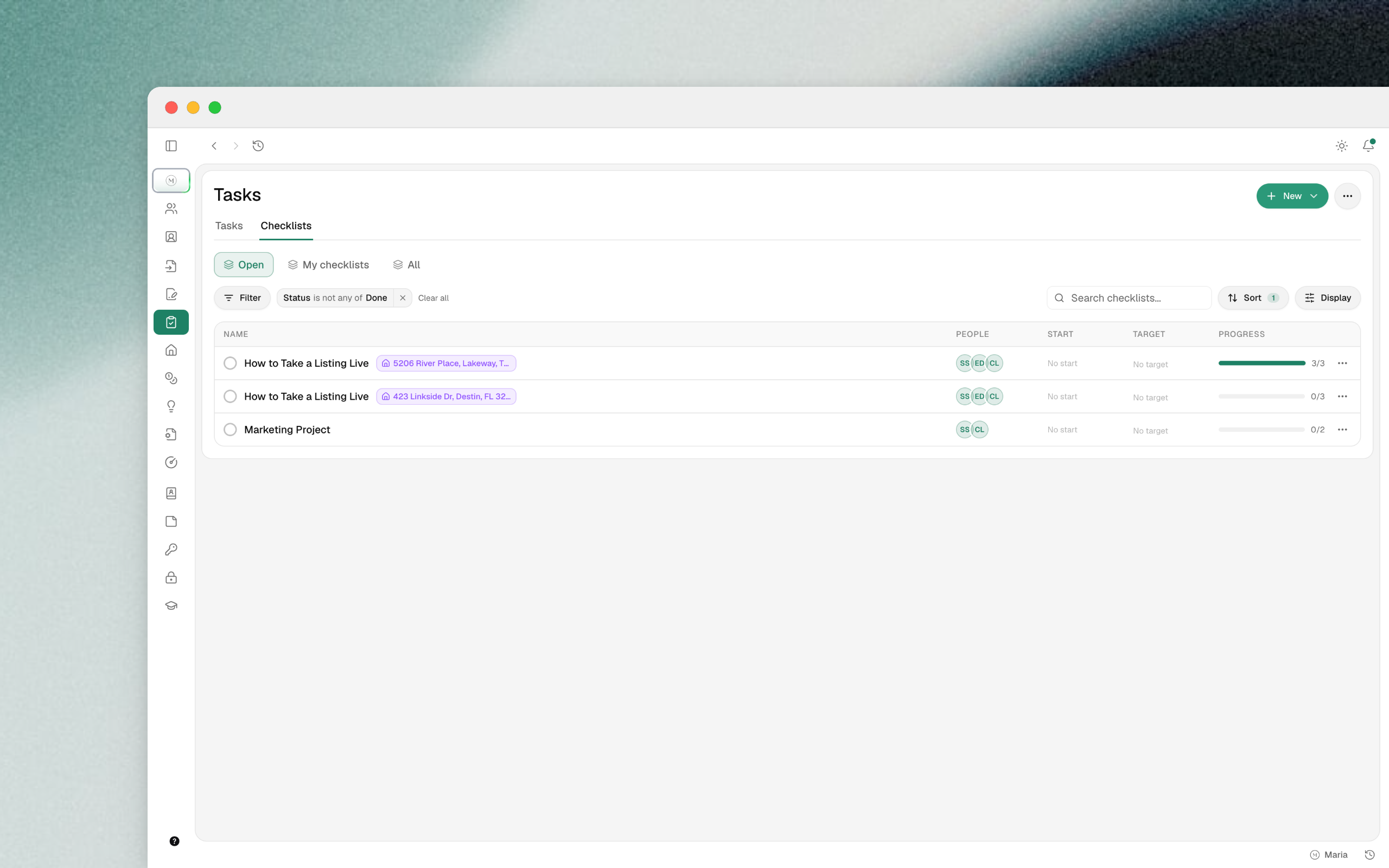
Tasks and checklists have a new home and a lot more to them.
One page for tasks and checklists
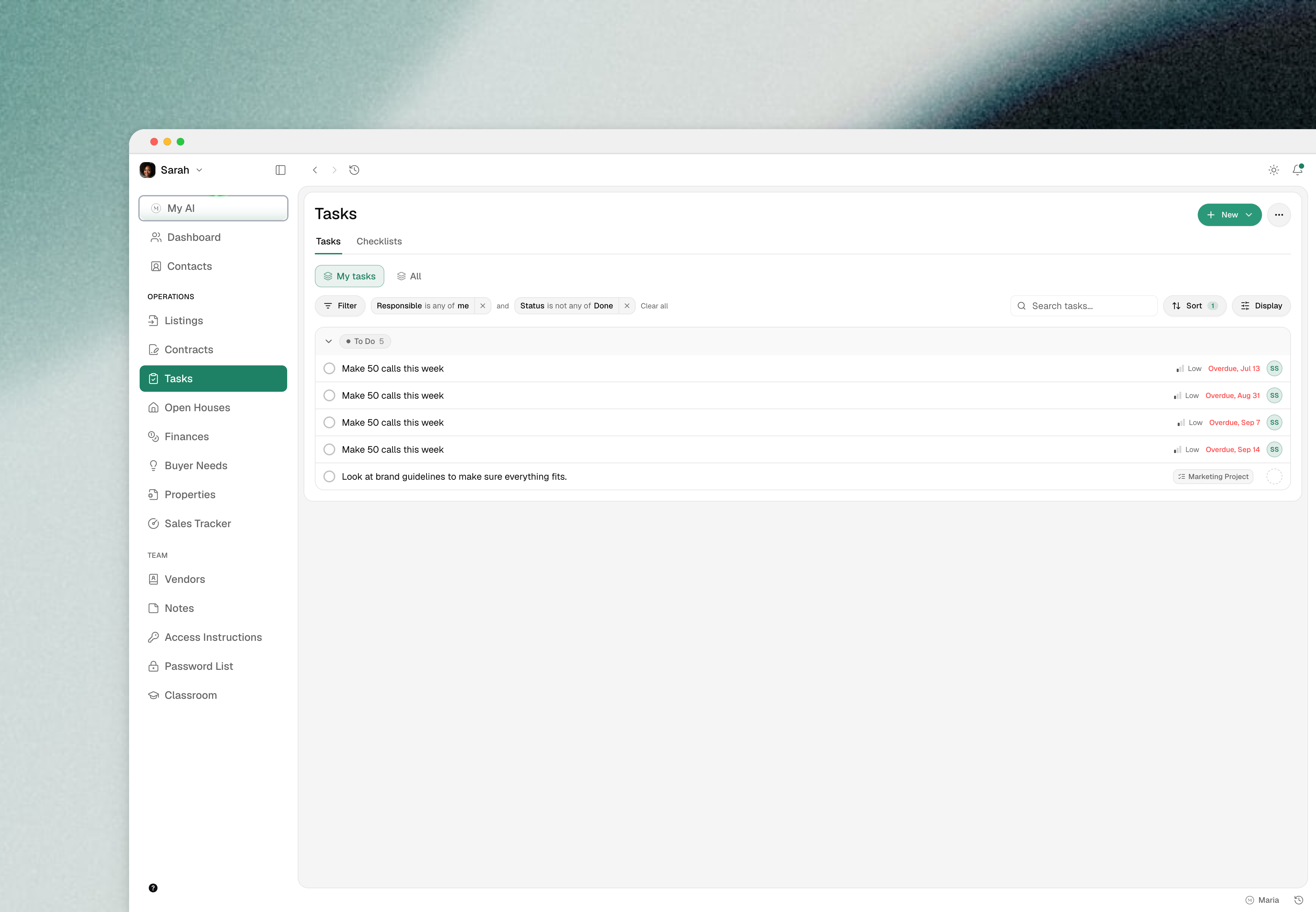
Tasks and checklists now live on one page. Tasks can be filtered, sorted and grouped by anything you need, and you can save the views you keep coming back to.
Checklists work like projects
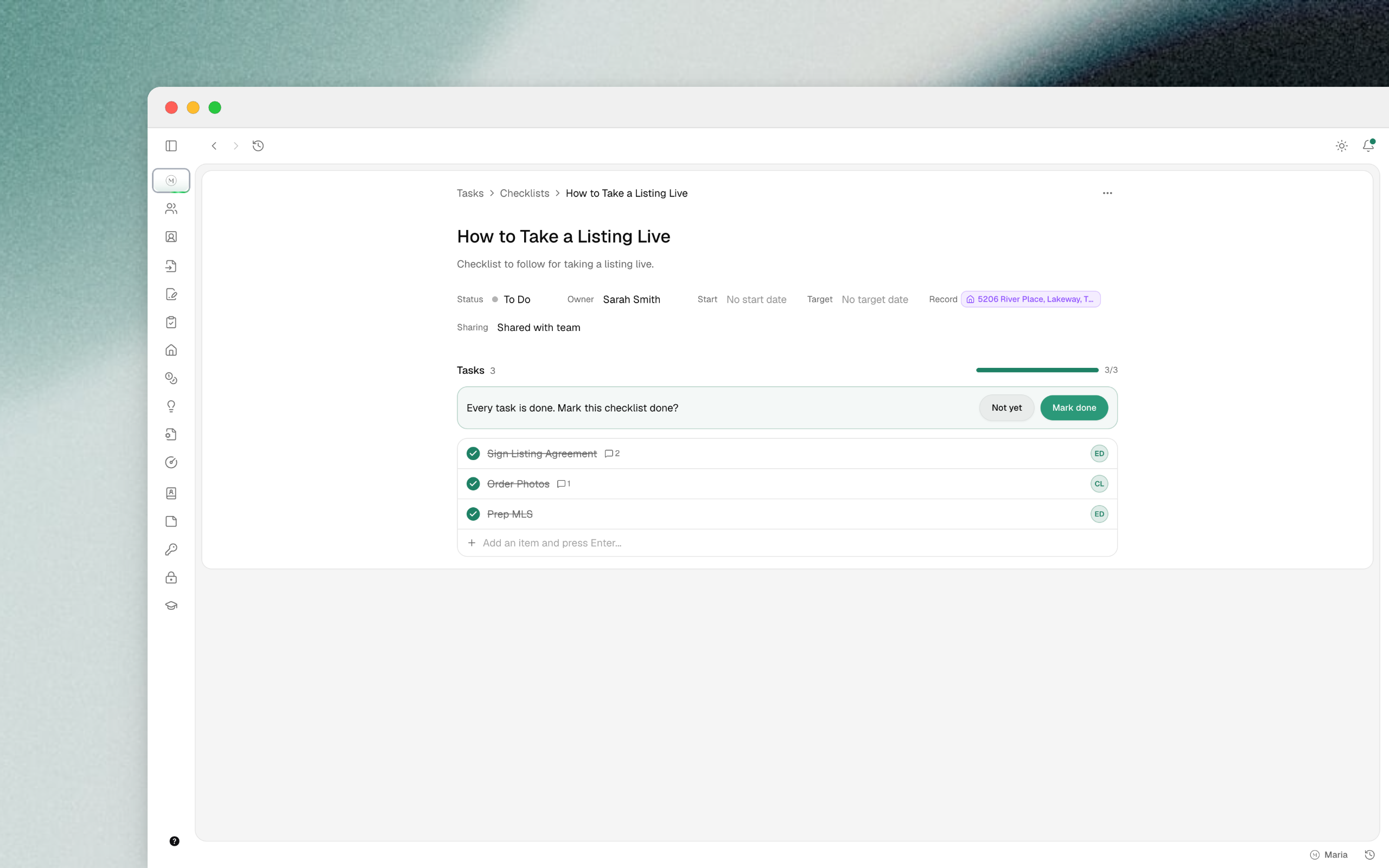
A checklist is a group of tasks with its own status and target date. Create one from a template or from scratch, and give each item an assignee. Both tasks and checklists can be linked to a property record today, and soon to any record.
Templates
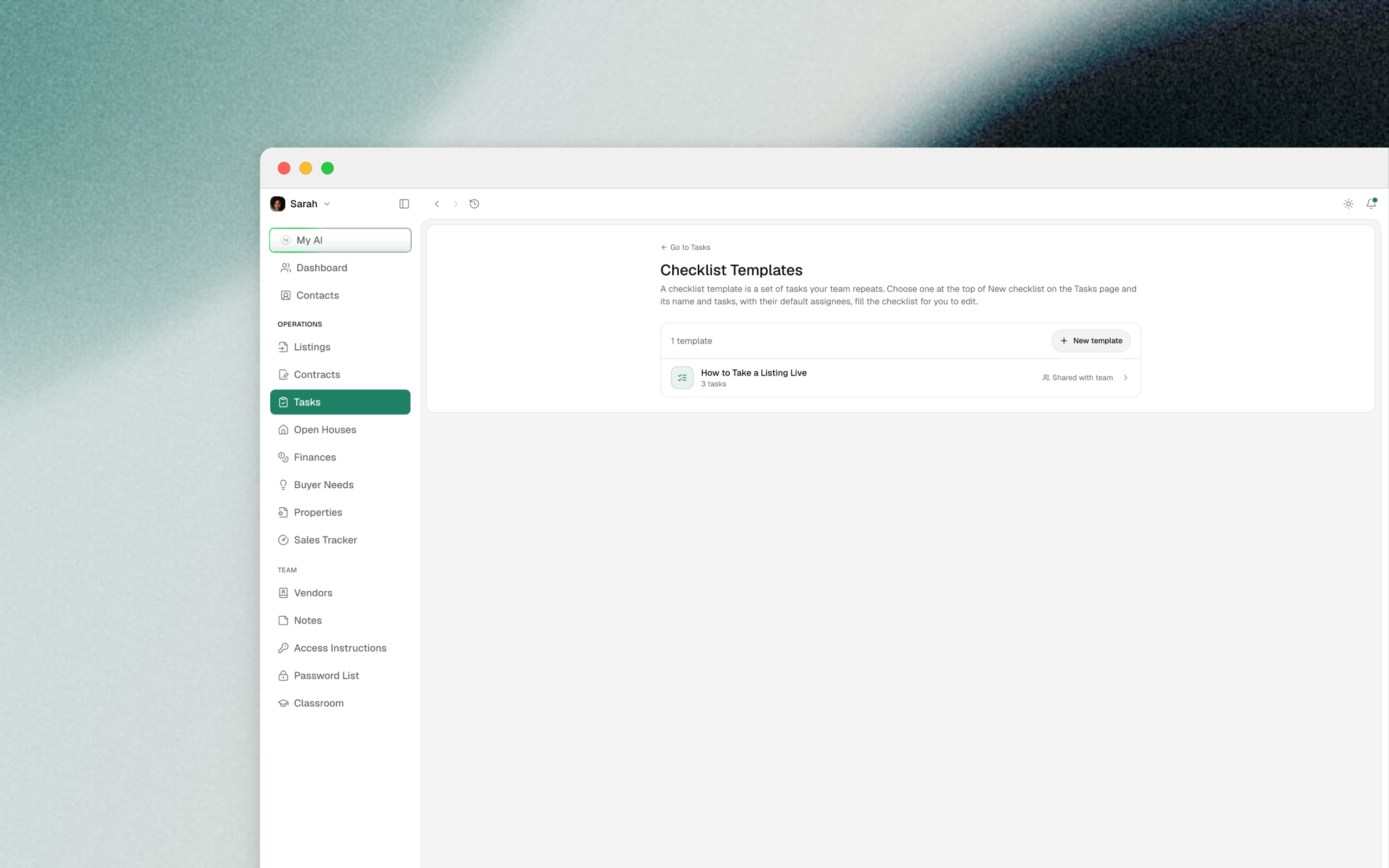
Create a template from Create new checklist or from the Templates menu. Pick a template while you create a listing or a contract and the checklist is ready on the record.
Assign and notify
Hand a task to anyone on the team. Assigning a task, reassigning it, or @mentioning someone in a comment tells that person, and the notification opens the task. Overdue reminders go to the person the task is assigned to. Comments can be edited and deleted.
Also in this update
Import expenses from a spreadsheet:
SettingsthenImport & export. Review the matches, import, and undo the whole run if you need to.A bank charge that looks like an expense you already entered is flagged for you to keep one or both. Nothing is dropped silently.
Watch the video for a tour of the new Tasks page.
Connect MyOps to Claude and ChatGPT (Beta)
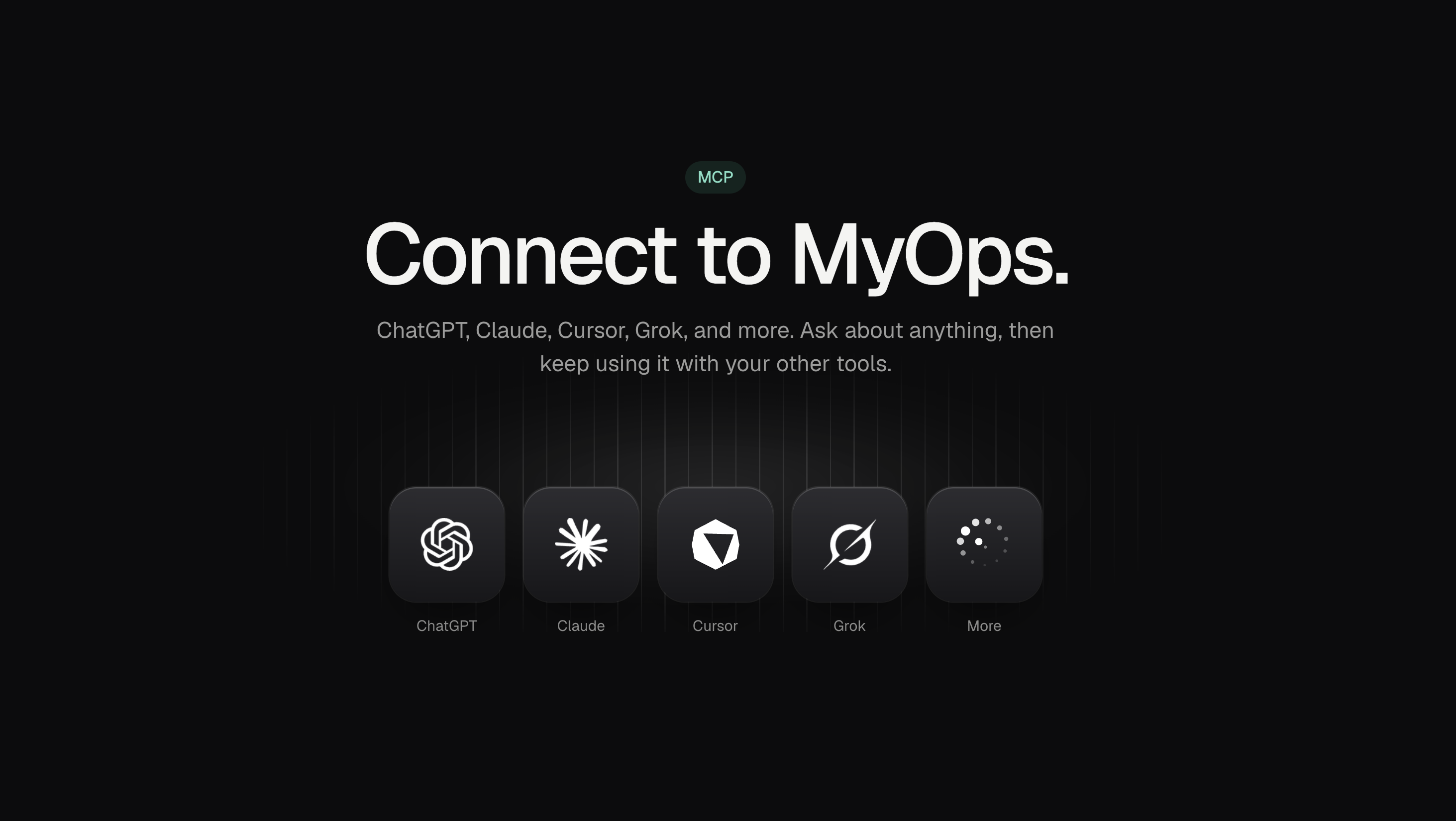
You can now ask an AI assistant about your own MyOps data, in the assistant you already use.
Connect your account once, then ask questions in plain language. What is pending right now, what did we close last quarter, how is each agent tracking, what did we spend, what does the contract on a given address say. The assistant can also read documents filed on a property or a deal and answer from them.
A few things worth knowing:
It is read only. The connector can look at your data. It cannot change anything, and it cannot create or delete records.
It respects your role. People see exactly what they would see in MyOps, and nothing more. An agent asking about team income gets the same answer MyOps would give them.
It is scoped to your team. The connection only ever answers for the team you approved it for.
Available in Claude today. ChatGPT is in review, but you can add it as a custom plugin and we will update here when the marketplace goes live.
Read the setup guide —> Connect Claude, ChatGPT or Grok to MyOps
Saved filters, new record views, drop-to-create, and Mobile 1.5.0
A lot has shipped over the last few weeks, and something bigger is right behind it. Here is the quick tour.
Filter any list, then save the view
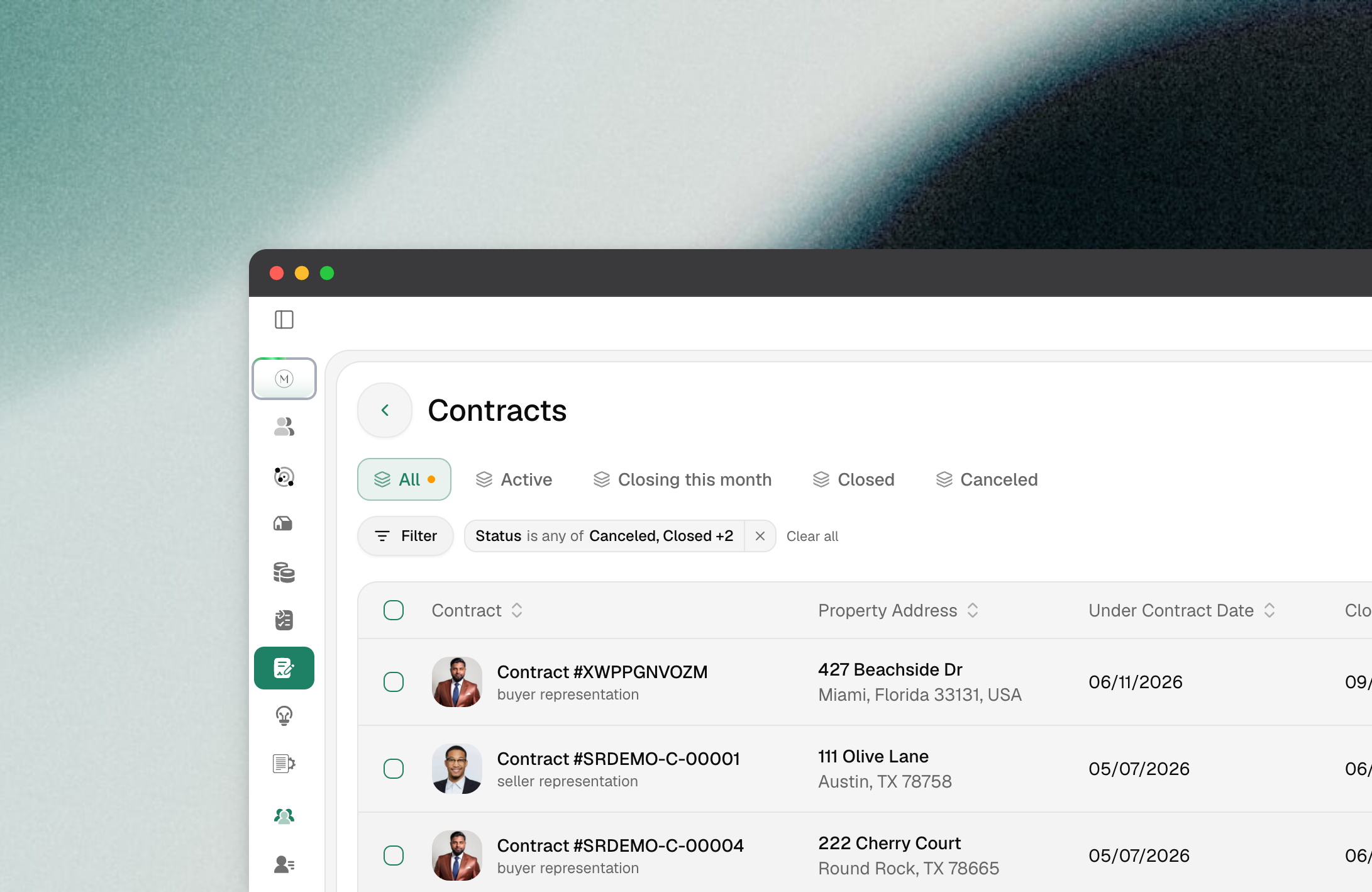
Every list in MyOps now shares one filter bar: Listings, Properties, Contracts, Buyer Needs, Sales Tracker, Agent Earnings, and Access Instructions. Stack conditions, sort, and save the result as a view so it is one click next time.
Display menu: choose which columns show and drag them into the order you want
Save as default layout: make your column setup the starting point every time you open the page
Saved filters are now per user, not per browser
A new record view for Properties, Listings, and Contracts
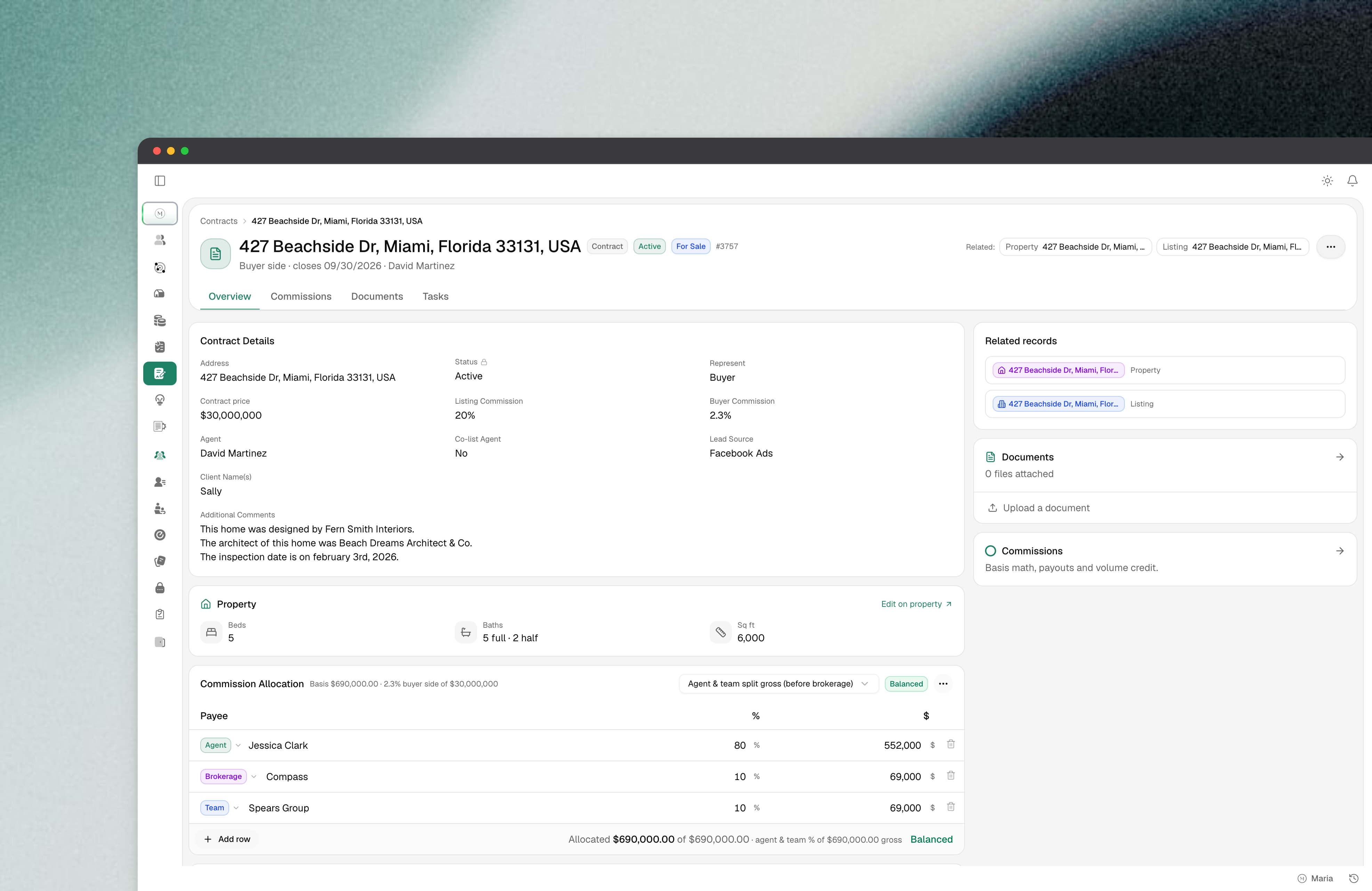
Detail pages have moved to a shared layout: key facts up top, inline editing on the fields you touch most, and tabs for Documents, Checklists, Notes, and activity.
Contracts now have a Checklist tab right on the record, so you can attach and work a checklist without going back to the create form
Media links on a listing can have a name, not just a URL
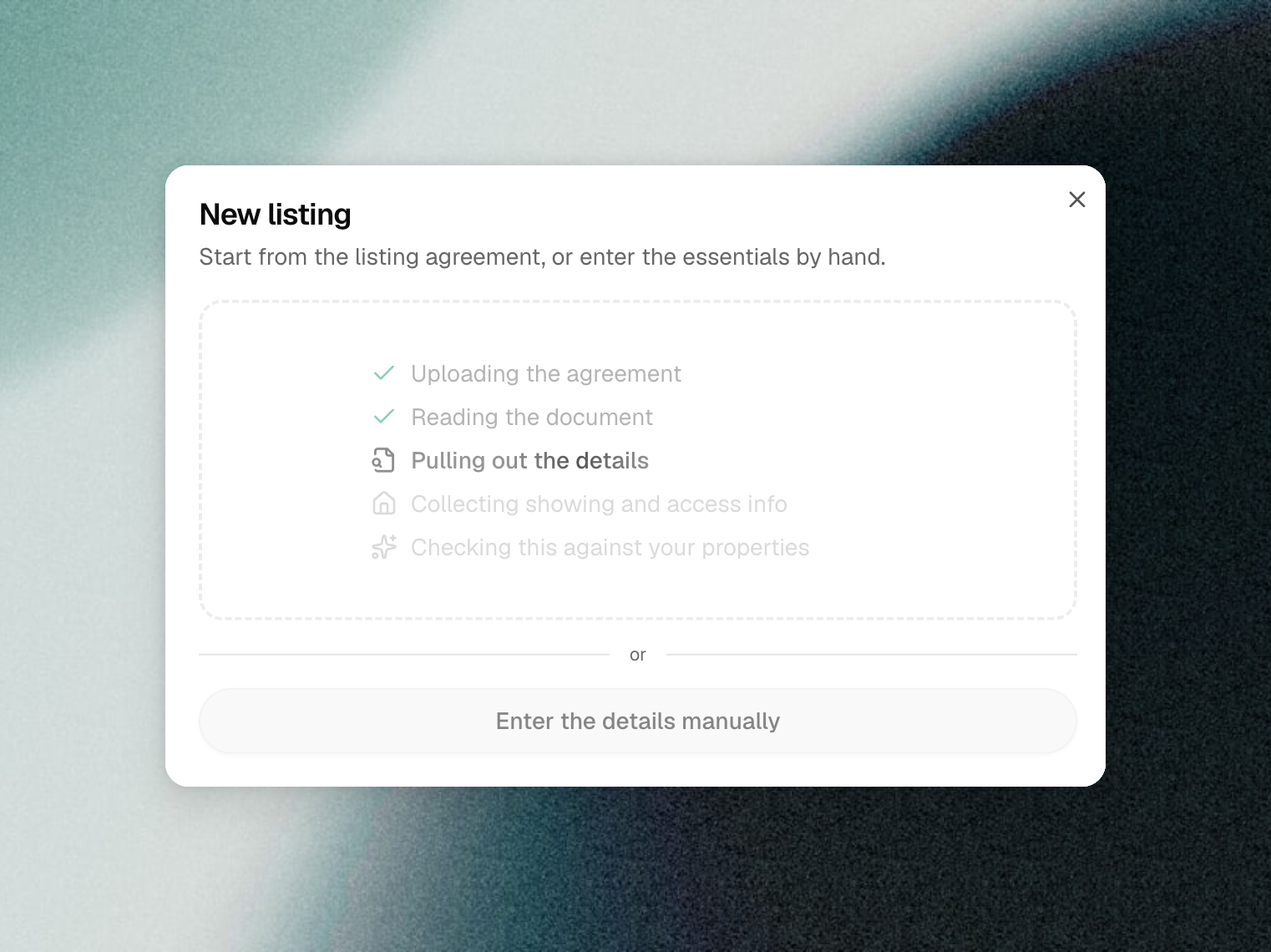
Drop a document, get a record
Creating a Listing or Contract is now drag-and-drop. Drop the PDF into the create dialog and MyOps extracts the address, parties, dates, and terms, then asks you to confirm the match before it saves anything.
Works on scanned and e-signed PDFs, not only files with a text layer
If the address already exists, you get a "did you mean this property?" prompt instead of a duplicate
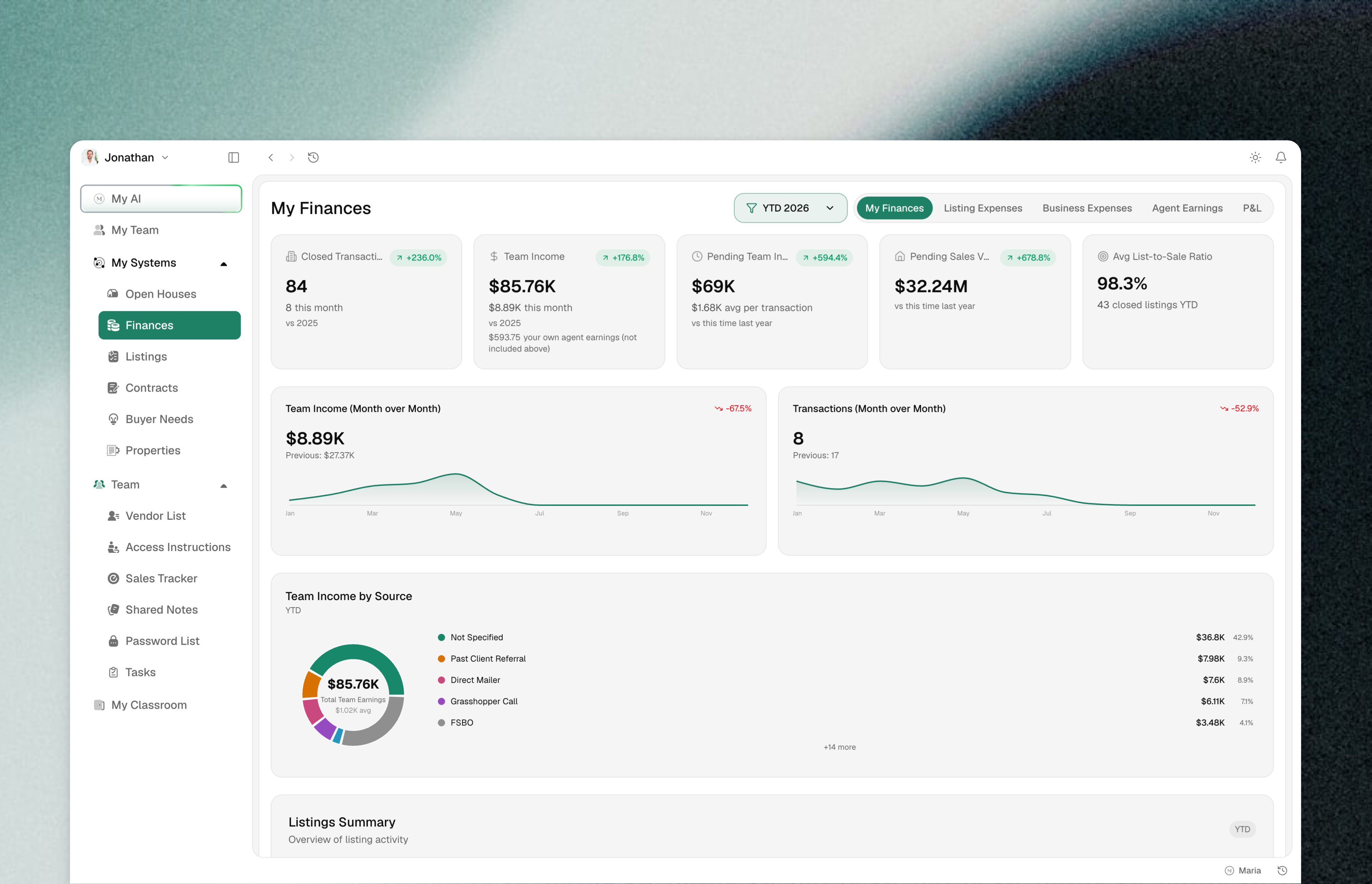
A cleaner app
A slimmer navigation bar, a compact bell and account menu, tighter spacing, and a collapsible sidebar. Underneath, every button, dropdown, date picker, tab strip and dialog now comes from one shared component set, so the app is consistent and improvements land everywhere at once. Dialogs open centered instead of sliding in from the corner.
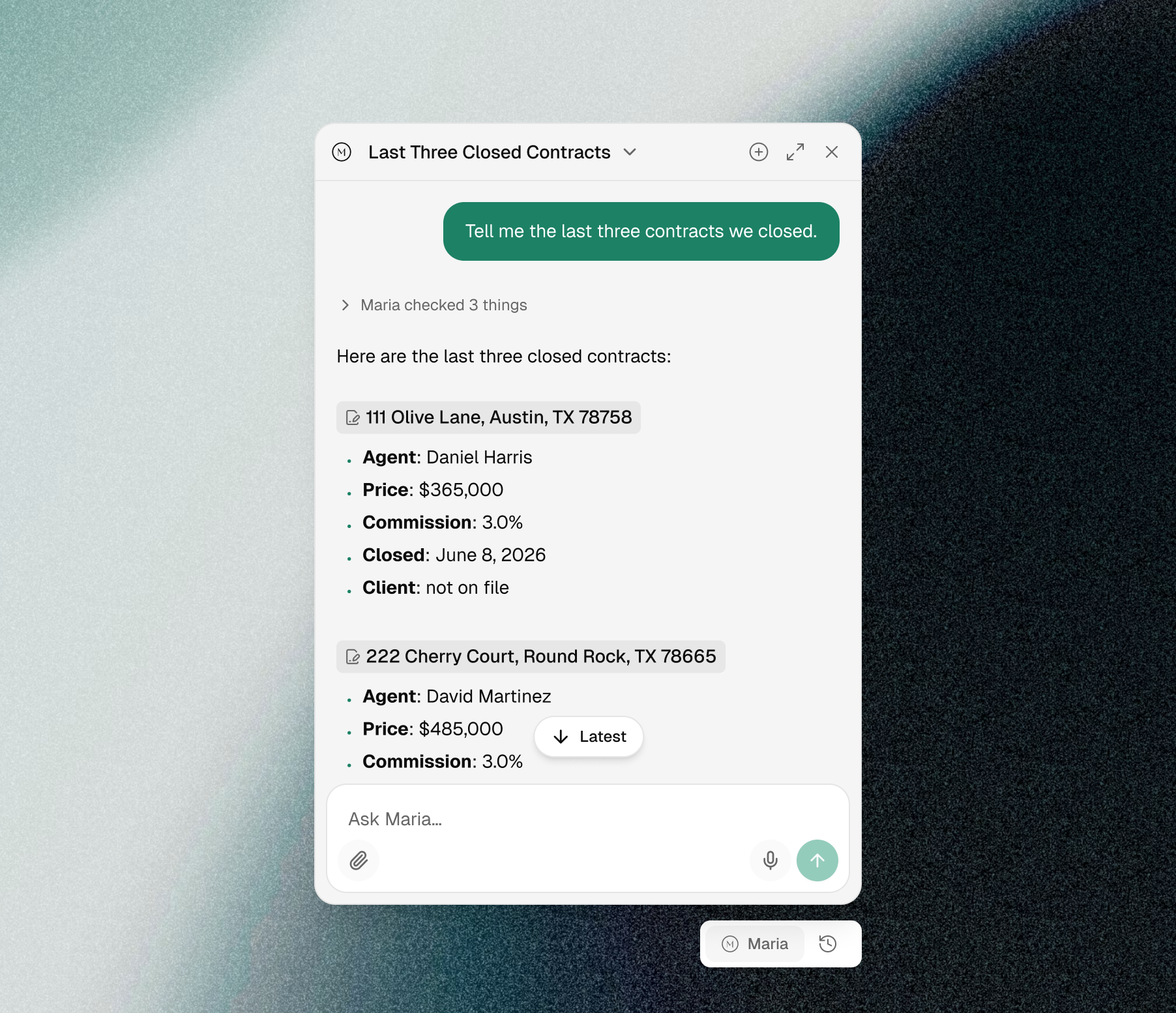
A new chat experience with Maria
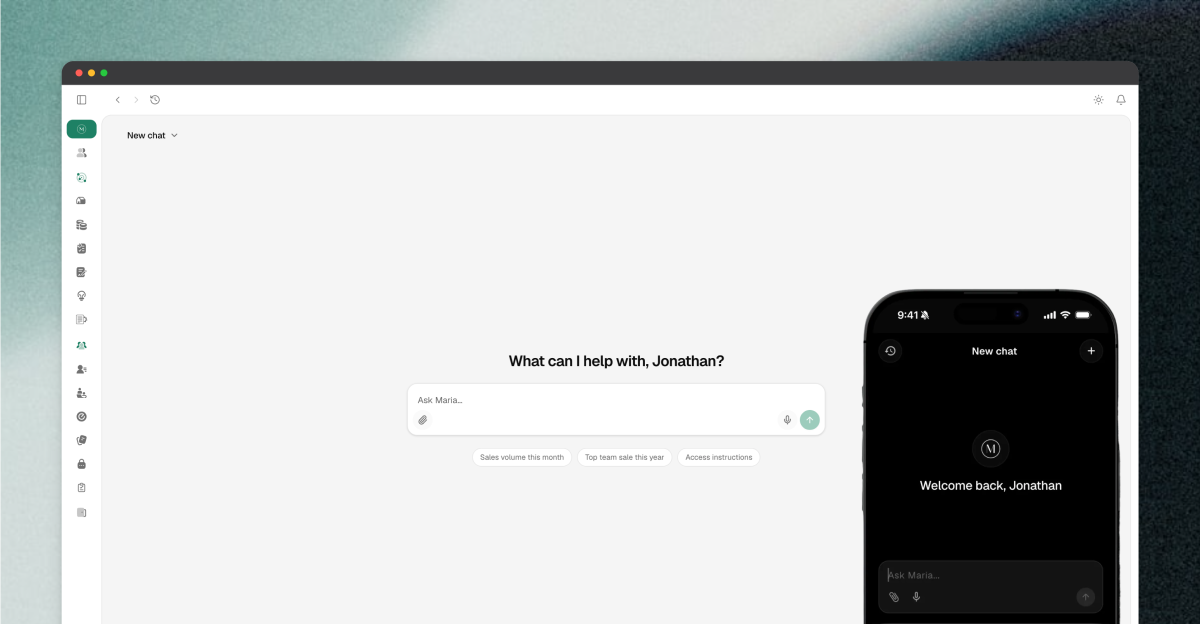
Maria shows her work. You see live progress while she searches, so you know what she is checking rather than watching a spinner. Every answer links the exact record it came from, and follow-up buttons keep the thread going without retyping. History sits in a header dropdown, and a floating bubble lets you ask her from any page without leaving the record you are on.
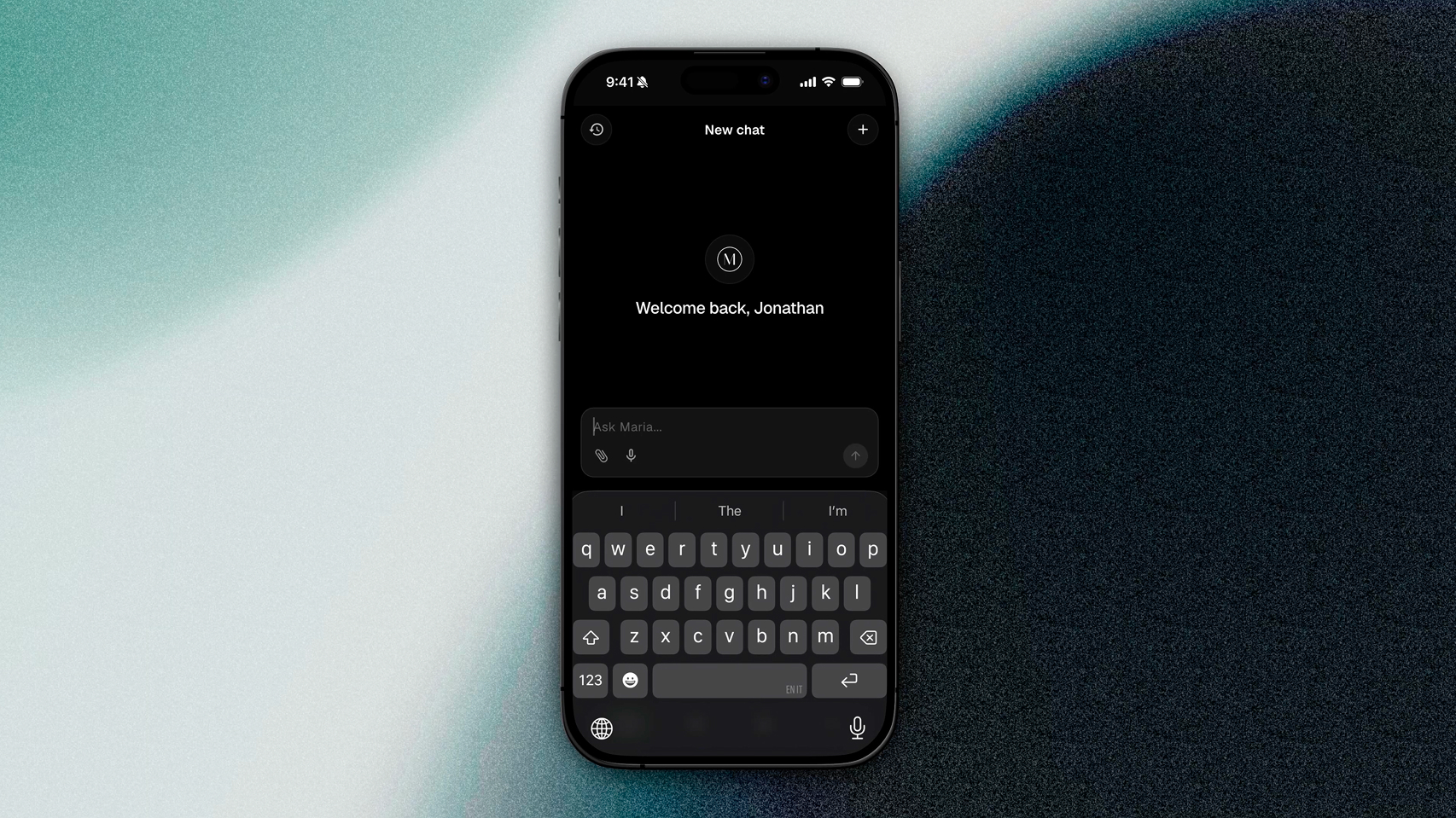
Mobile 1.5.0
The biggest mobile release since launch. Update from the App Store or Google Play.
New navigation: a compact bottom dock with a More menu for everything else. Open Customize to pin the modules you use most and drag them into order. The app opens to your first pinned slot.
My AI front and center: a personalized greeting, a cleaner chat input, and a clearer view of what Maria is doing while she works. Attachments and error handling were reworked.
Dashboard, Operations, and Team hubs: Listings, Contracts, Properties, Finances, Vendors, Open Houses, Classroom, and Notes are grouped so you are never more than two taps from anything.
Password vault on mobile: view your team's password list with masked entries and an audited reveal, and add or edit entries from your phone.
Shared Notes: redesigned editor with a proper dark mode, no more white flash on open, and skeleton loading instead of a blank screen.
Design refresh: Typography, consistent colors, buttons, cards, and forms aligned with the web app, and dark-mode status badges across listings and contracts.
Faster and steadier: tabs load instantly on return and cold start no longer waits on artificial delays.
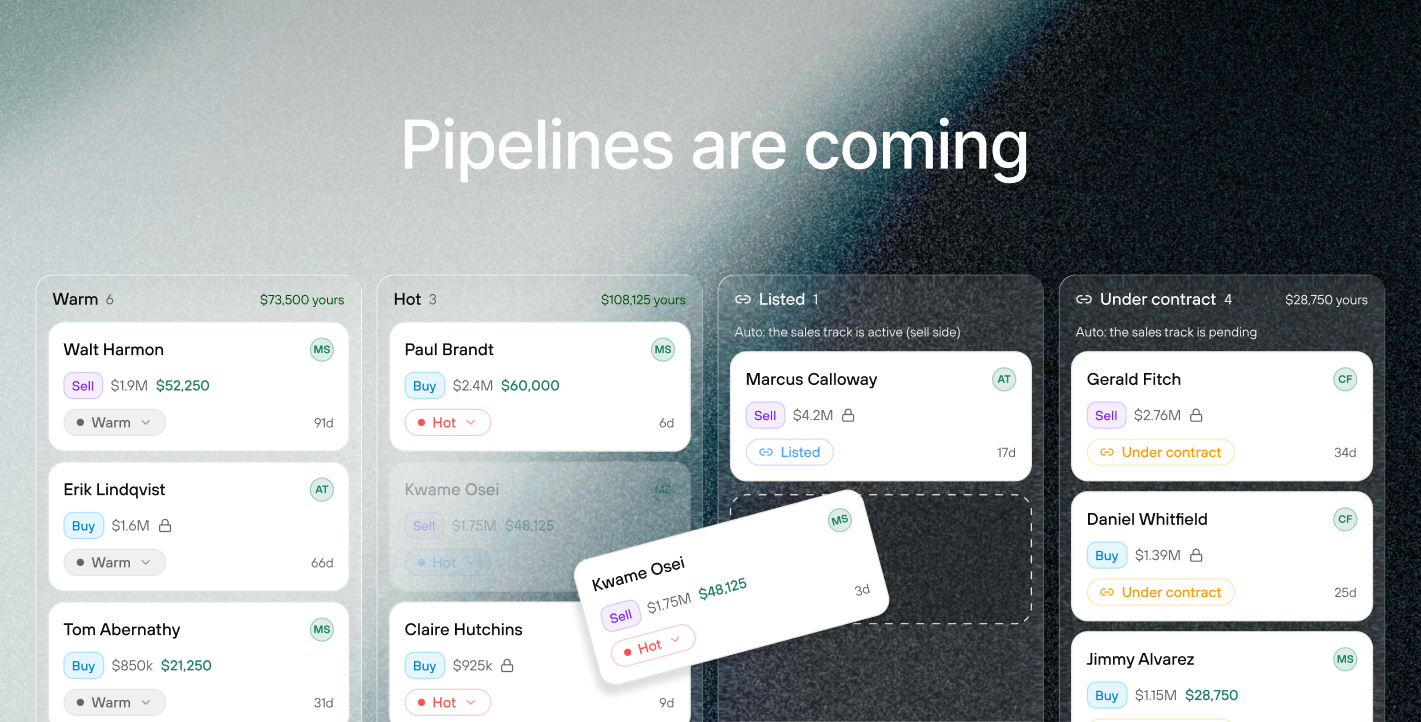
What we are building next
Maria, rebuilt. The chat changes above are the front end of a complete rebuild. Maria is moving onto an entirely new engine, and it changes what she can do rather than just how she looks. She will work across your whole business at once instead of one list at a time. She will read your documents, contracts, listing agreements, disclosures and inspection reports, and answer across all of them with the source attached. And you will be able to type @ to pull a specific listing, contract, property, person or document straight into the conversation, so you decide exactly what she is looking at. Faster, and far more capable.
Maria creates tasks for you. Maria stops being read-only. Ask her to set up the follow-ups on a new contract and she creates them, assigned and dated, instead of handing you a list to retype.
Contacts. Every person your team works with becomes a real record: buyers, sellers, the agent across the table, your lender, your inspector. Listings, contracts, deals and referrals all link back to that person, so a contact page shows the full history with them. Bring an existing client book in from a spreadsheet or another CRM.
Pipeline. One deal per opportunity, buy side or sell side, moving through stages your team names. Under Contract and Closed come from the real transaction rather than someone remembering to drag a card. Pipeline replaces Buyer Needs and folds in the Sales Tracker, so there is one board showing what is actually in play.
Tasks and checklists. One work item model that attaches to any record, with list, board and calendar views. Templates get relative dates, so "photo day minus four" schedules itself off the real date, and a template can apply automatically when a deal reaches a stage.
Referral tracking. Track what you send out and what comes in: who, which market, what stage, when the agreement expires, and the fee you expected against the fee that actually landed. When both teams are on MyOps, a referral becomes one shared record both sides can see rather than two people working from an old email thread.
MyOps MCP server. Connect MyOps to the AI you already use, whether that is Claude, ChatGPT or something else, and ask about your business from wherever you already work.
These are not separate features bolted on. Contacts, listings, contracts, deals and referrals all hang off one connected record model. That is what lets a referral fee reconcile against your commission ledger on its own, and what lets Maria answer across your whole business rather than one list at a time.
Also shipped
My Finances: hover any rounded figure to see the exact dollar amount, and the page now remembers which tab you were on
Agent earnings export respects the columns you chose in the Display menu
Pre-market listings show correctly across the app, and a listing can now come back off pre-market
Buyer need email notifications include the full submission details
Email times now display in your local timezone
Dialogs open centered instead of sliding in from the corner
MyOps comes to Android, plus faster sign-in for everyone
MyOps is now on Android
The MyOps mobile app is officially live on Google Play. Everything your team runs on MyOps, listings, leaderboards, financials, and Maria, now works on both platforms. iPhone users can grab it on the App Store as always.
Sign in with a look or a touch
Version 1.1.0 makes getting into the app effortless. After your first sign-in, use Face ID, Touch ID, or your fingerprint to jump straight back in. No more retyping your password.
Password manager support
The sign-in screen now works with iCloud Keychain, Google Password Manager, 1Password, and other password managers. Save your login once and autofill it every time after. You can also show or hide your password while typing.
Share vendors in one tap
Send a vendor's full contact card, name, website, email, phone, and notes, to anyone straight from your vendor list using your phone's share sheet. Perfect for texting a client your go-to inspector or lender.
Fixes and polish
The copy buttons on vendor contact details now work, and every copy action across the app confirms with a "Copied to clipboard" toast
Staying signed in is more reliable across app updates
New Support Site and Improved Email Notifications
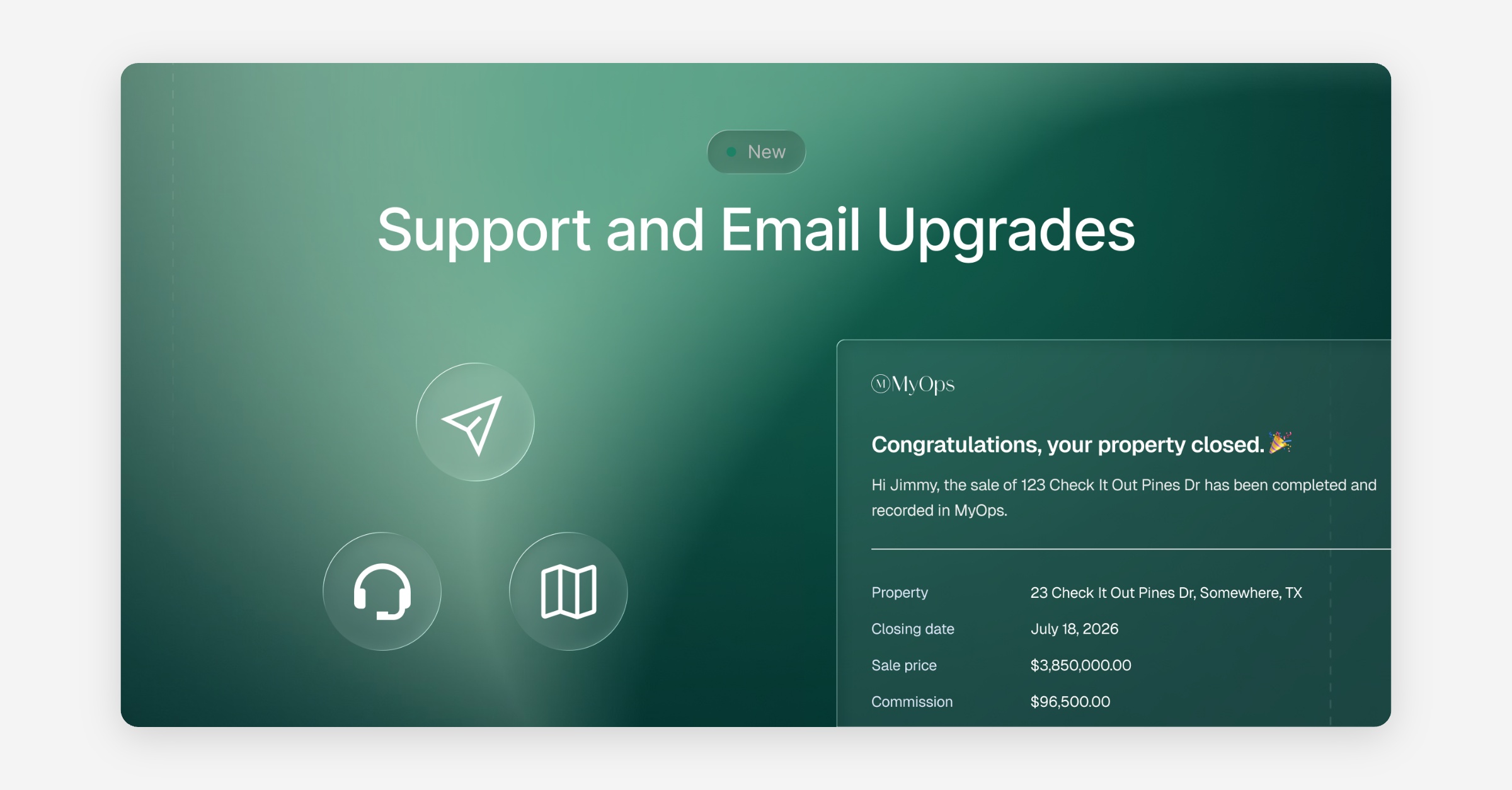
Support Portal Updates and Feature Requests
We upgraded our support system. In the app, you can still submit a ticket in the same spot on the same form, but now we also have an upgraded support site at support.myops.ai for you to visit. Submitting the form in app is the same as submitting a request here.
The site has our documentation as well as a helpful AI widget to ask questions to. You will also notice tabs for feature requests and changelog, where you can see all of our updates.
In the feature request tab, you can see some of the features that we are currently and will be working on. Feel free to upvote or add suggestions to current features or request a new feature here, and you can track the progress.
Coming up: we will be adding the widget to the app so that you can easily pull our documentation and ask questions without leaving the app.
Emails
We've upgraded our email system for better email deliverability and redesigned our notification emails to better match our brand and simplicity. You should notice improved email notifications as well as a better and more consistent visual for the notifications themselves.
Marketing Site Rebuild
We built a new marketing website! Check it out at https://www.myops.ai. This new site will help us to rapidly scale our positioning and features as we grow. Let us know if you have any feedback.
Improvements
AI can append structured updates directly to shared notes, and notes support colored highlights
Search now includes vendor names
Listings, contracts, and properties support a month view
Checklist assignees get notified in-app and by email
List views across the app now share consistent styling, whole-row click-to-open, and unified pagination
Lead sources can now be deleted
Fixes
Lease contracts created with a landlord/tenant representation no longer lose lease context
Updating a listing no longer strips co-listing agent access
Buyer need notifications and checklist comment notifications now open the correct page
AI responses to listing questions are more accurate
Fixed duplicate "Property Closed" and "Agent Alert" emails
Disconnecting one bank account in Plaid no longer breaks sibling connections
Task & Checklist Templates - Beta
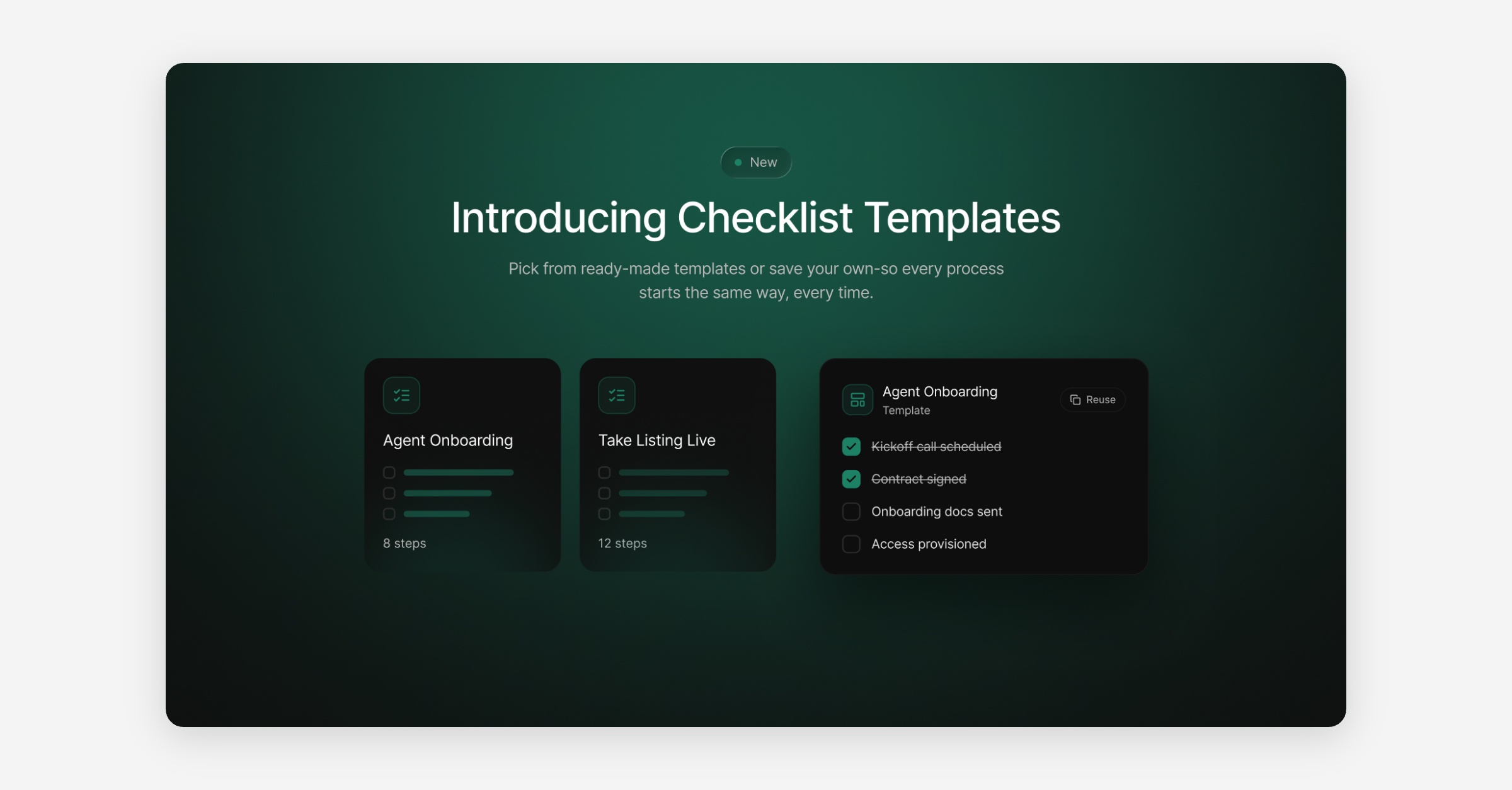
This is the first iteration of our new task management feature. We're getting the core into your hands now and will keep building it around your feedback.
Checklist Templates & Property Checklists
Checklist Templates: create reusable checklists for your workflows, and attach one to a contract with the Add Template button at the top of the form.
Assign & discuss: assign checklist items to team members and comment directly on individual tasks.
Track progress: work checklists from each property's task section, or see everything in one place under Tasks, with Assigned to Me and All views. Tasks
Non-property checklists: onboarding, marketing, internal projects, anything not tied to a property.
If you've used tasks before, your existing tasks now appear under All.
Other updates
Contract deadlines: new Inspection Deadline and Financing Contingency Deadline fields on new and existing contracts.
Shared Notes: highlight text to make key information stand out. Shared Notes
Co-listed sales: optionally count co-listed sales as half, crediting each agent 0.5 on the leaderboard.
New filters: filter Listings, Contracts, and Properties by agent, year, quarter, month, or a custom date range.
Vendors: search by vendor name (not just category) and switch between card and list view. Vendor List
Mobile support for the web app
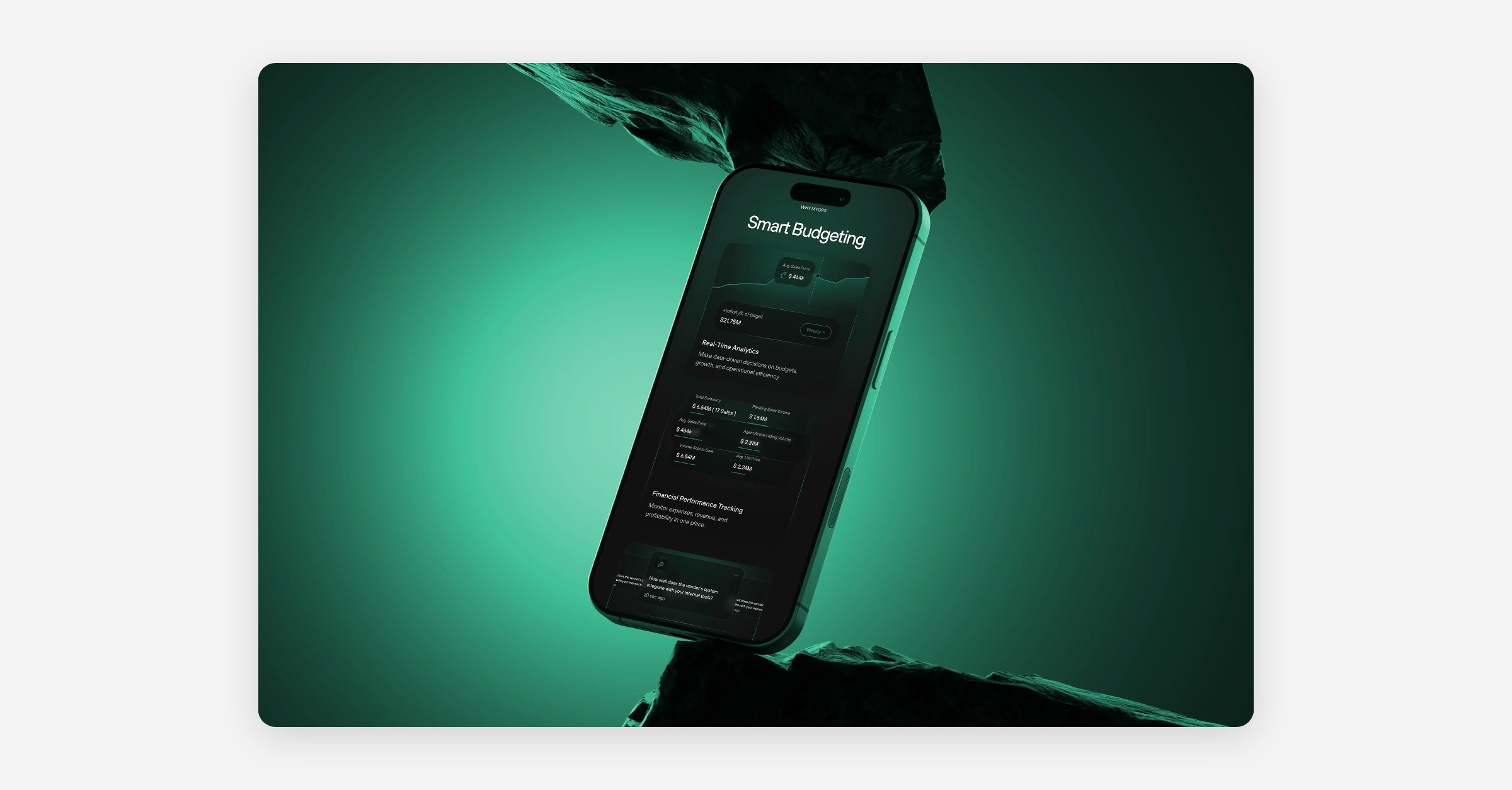
Mobile-responsive web app
The web app now adapts to smaller screens, making it usable on phones and tablets as well as desktop. Layouts, navigation, and controls resize and reflow for mobile devices and tablets on your favorite browser.
Fixes
Fixed a bug affecting widget functionality.