
MyOps changelog
Saved filters, new record views, drop-to-create, and Mobile 1.5.0
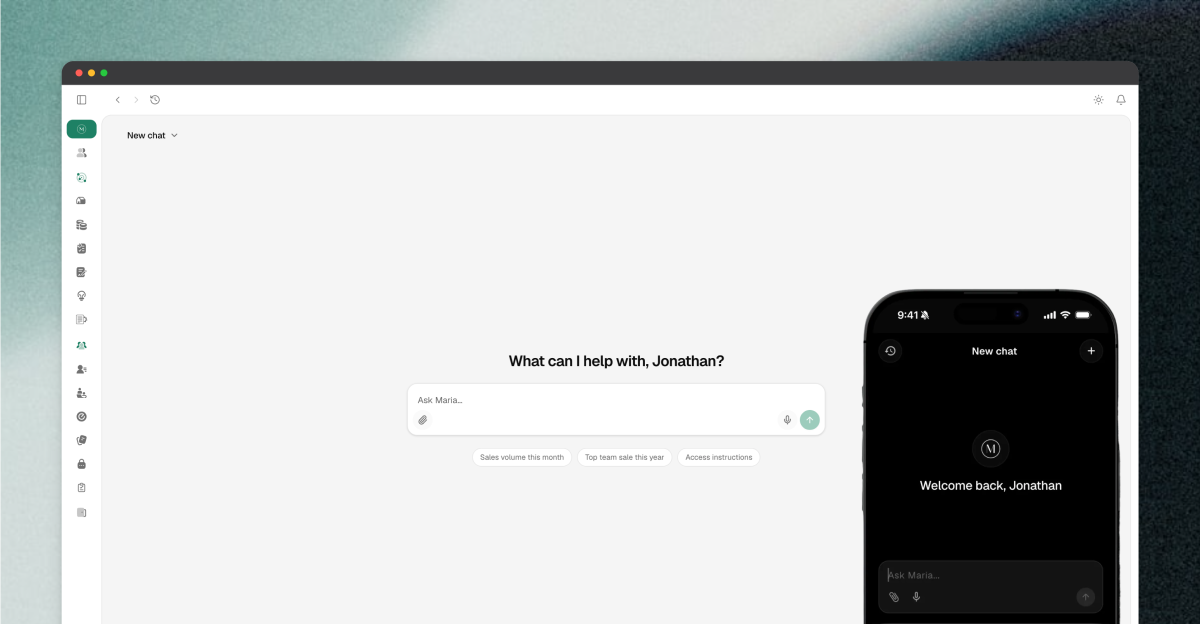
A lot has shipped over the last few weeks, and something bigger is right behind it. Here is the quick tour.
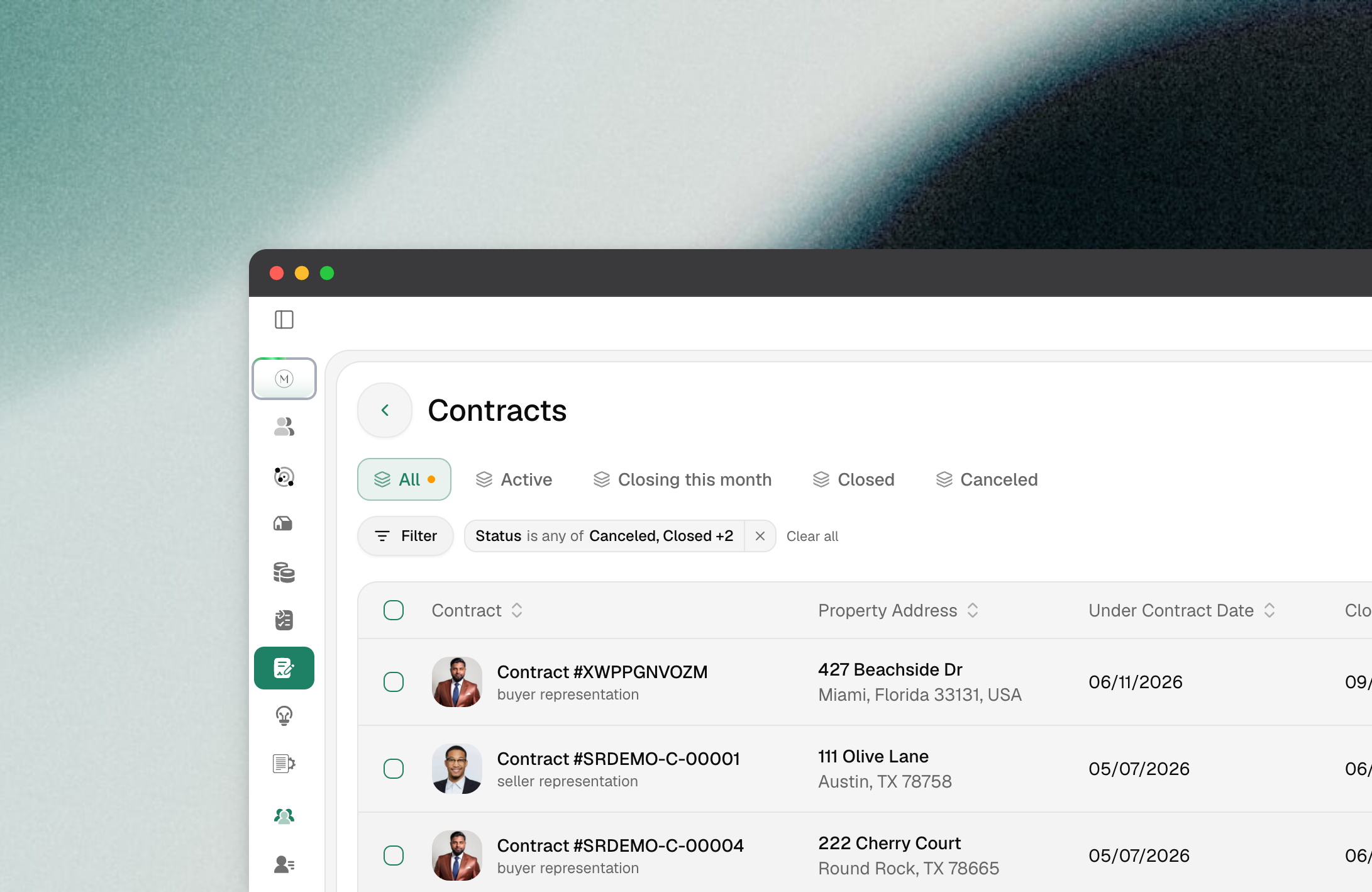
Filter any list, then save the view
Every list in MyOps now shares one filter bar: Listings, Properties, Contracts, Buyer Needs, Sales Tracker, Agent Earnings, and Access Instructions. Stack conditions, sort, and save the result as a view so it is one click next time.
Display menu: choose which columns show and drag them into the order you want
Save as default layout: make your column setup the starting point every time you open the page
Saved filters are now per user, not per browser
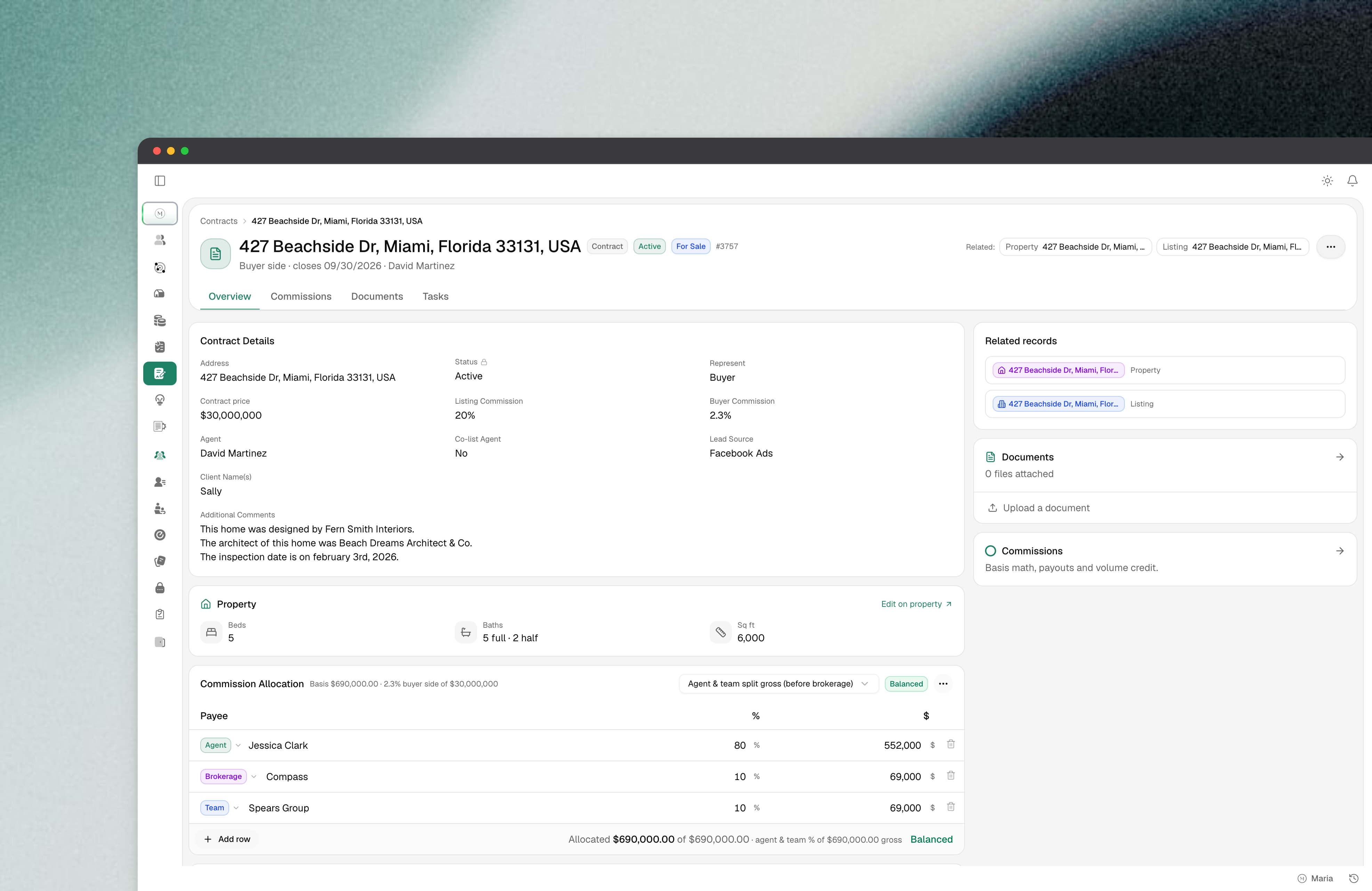
A new record view for Properties, Listings, and Contracts
Detail pages have moved to a shared layout: key facts up top, inline editing on the fields you touch most, and tabs for Documents, Checklists, Notes, and activity.
Contracts now have a Checklist tab right on the record, so you can attach and work a checklist without going back to the create form
Media links on a listing can have a name, not just a URL
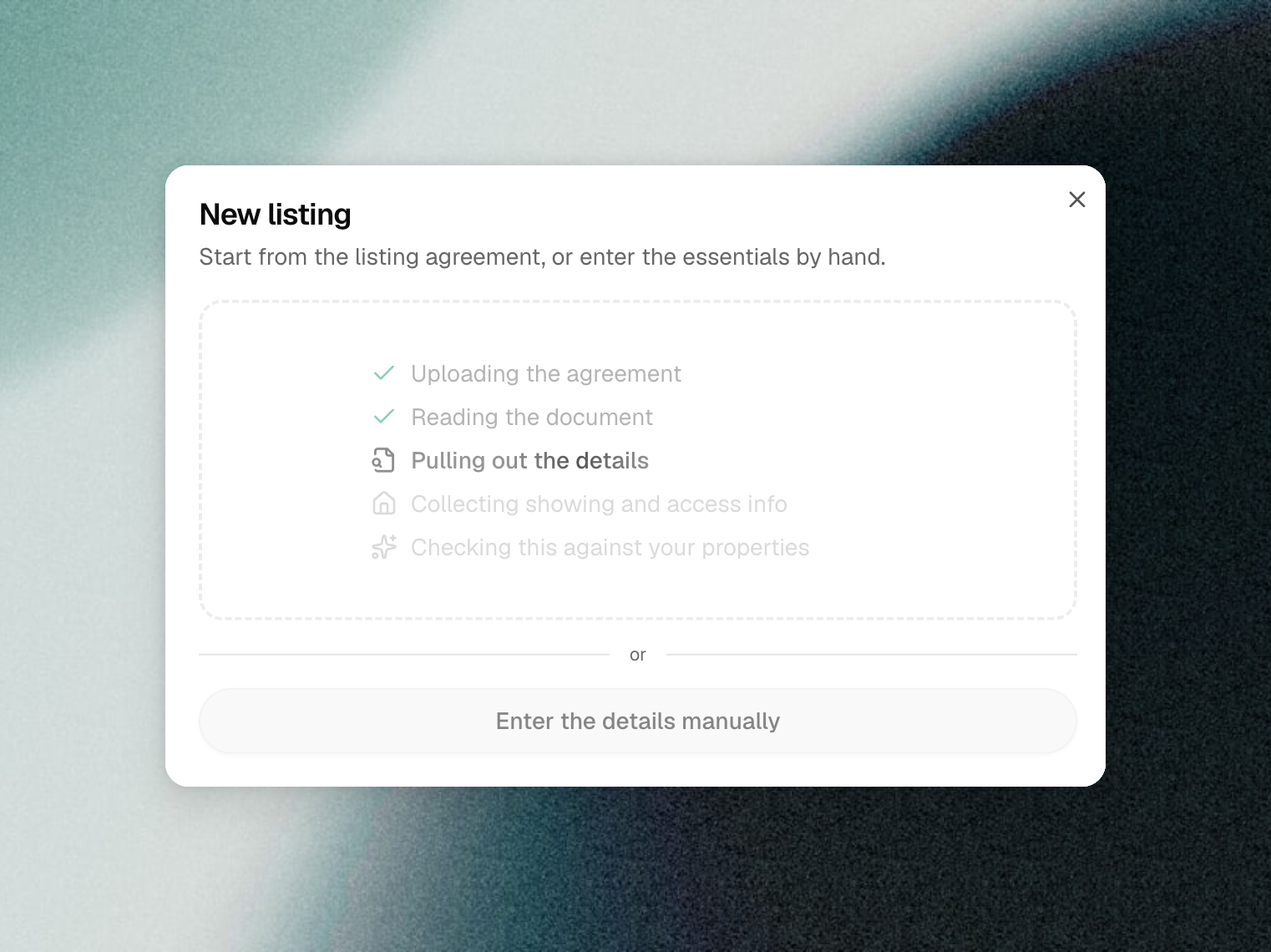
Drop a document, get a record
Creating a Listing or Contract is now drag-and-drop. Drop the PDF into the create dialog and MyOps extracts the address, parties, dates, and terms, then asks you to confirm the match before it saves anything.
Works on scanned and e-signed PDFs, not only files with a text layer
If the address already exists, you get a "did you mean this property?" prompt instead of a duplicate
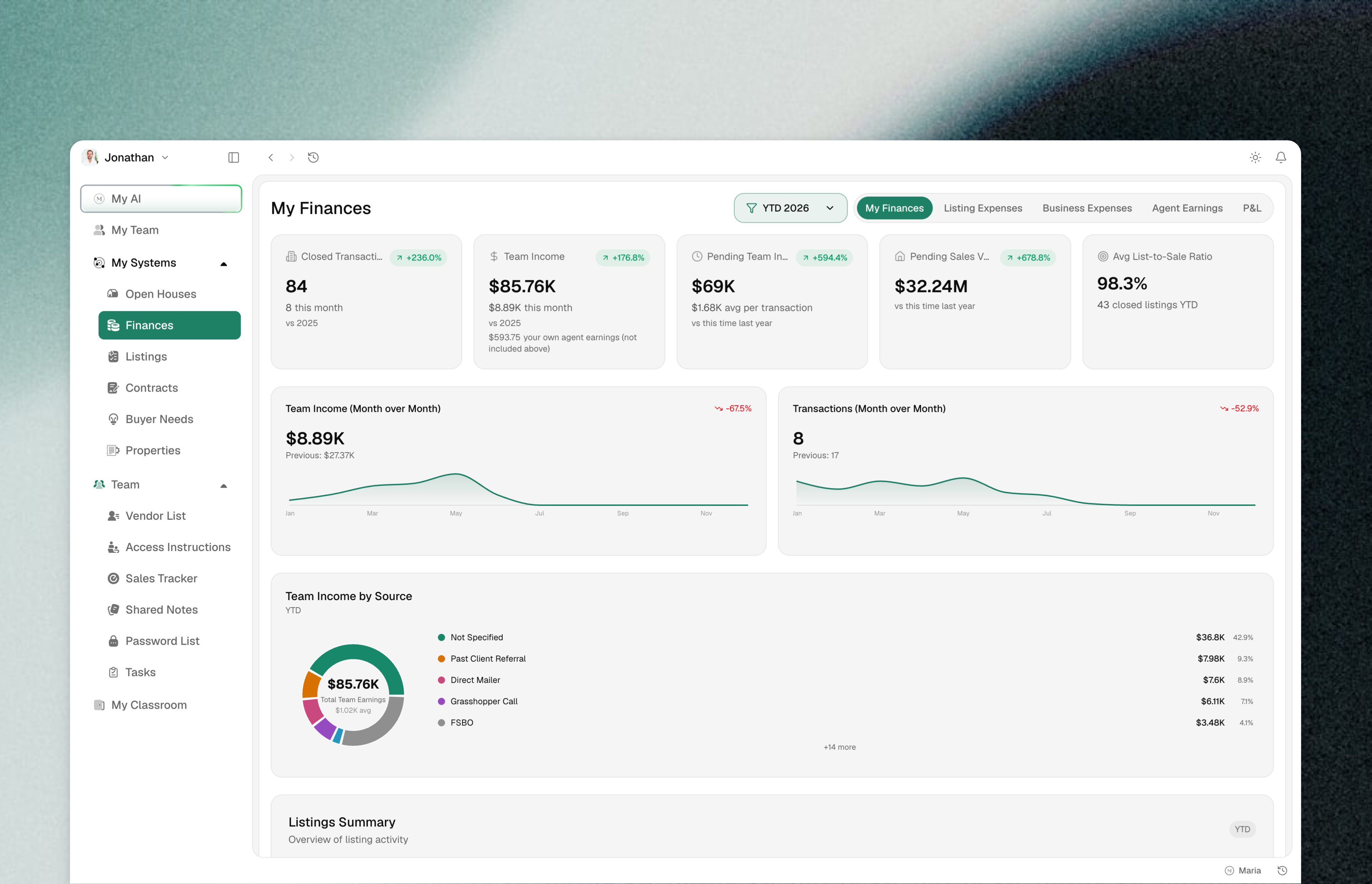
A cleaner app
A slimmer navigation bar, a compact bell and account menu, tighter spacing, and a collapsible sidebar. Underneath, every button, dropdown, date picker, tab strip and dialog now comes from one shared component set, so the app is consistent and improvements land everywhere at once. Dialogs open centered instead of sliding in from the corner.
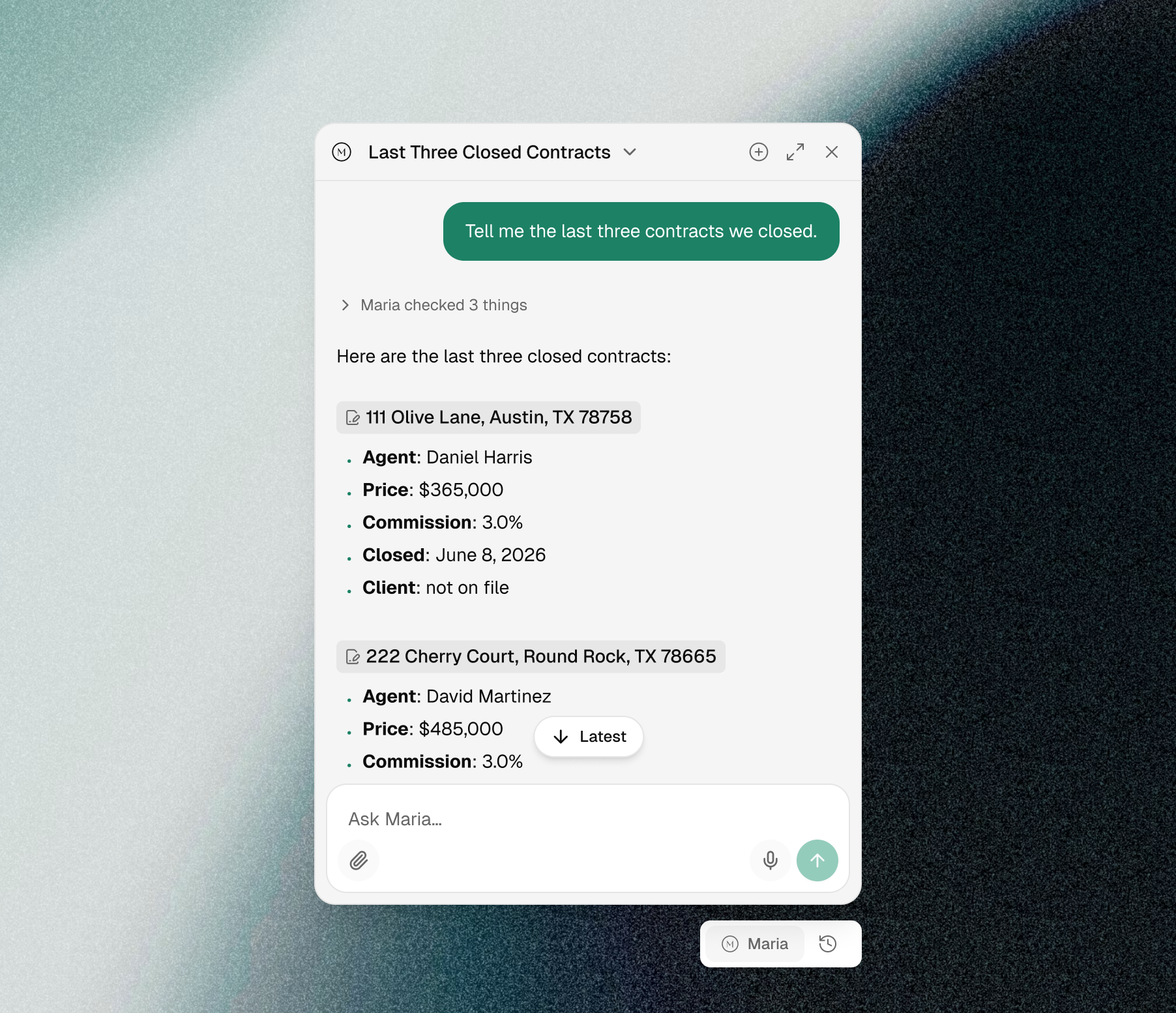
A new chat experience with Maria
Maria shows her work. You see live progress while she searches, so you know what she is checking rather than watching a spinner. Every answer links the exact record it came from, and follow-up buttons keep the thread going without retyping. History sits in a header dropdown, and a floating bubble lets you ask her from any page without leaving the record you are on.
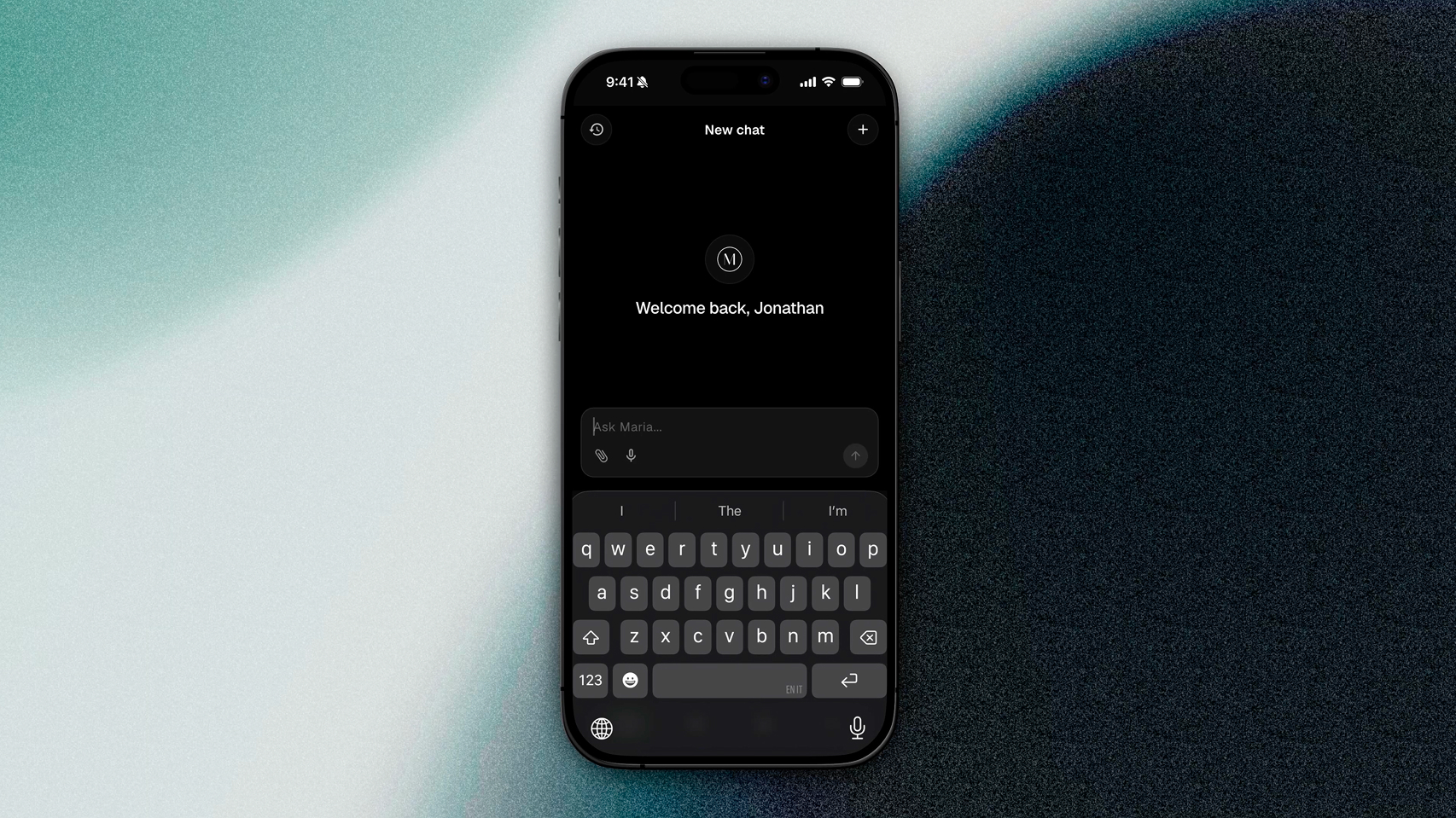
Mobile 1.5.0
The biggest mobile release since launch. Update from the App Store or Google Play.
New navigation: a compact bottom dock with a More menu for everything else. Open Customize to pin the modules you use most and drag them into order. The app opens to your first pinned slot.
My AI front and center: a personalized greeting, a cleaner chat input, and a clearer view of what Maria is doing while she works. Attachments and error handling were reworked.
Dashboard, Operations, and Team hubs: Listings, Contracts, Properties, Finances, Vendors, Open Houses, Classroom, and Notes are grouped so you are never more than two taps from anything.
Password vault on mobile: view your team's password list with masked entries and an audited reveal, and add or edit entries from your phone.
Shared Notes: redesigned editor with a proper dark mode, no more white flash on open, and skeleton loading instead of a blank screen.
Design refresh: Typography, consistent colors, buttons, cards, and forms aligned with the web app, and dark-mode status badges across listings and contracts.
Faster and steadier: tabs load instantly on return and cold start no longer waits on artificial delays.
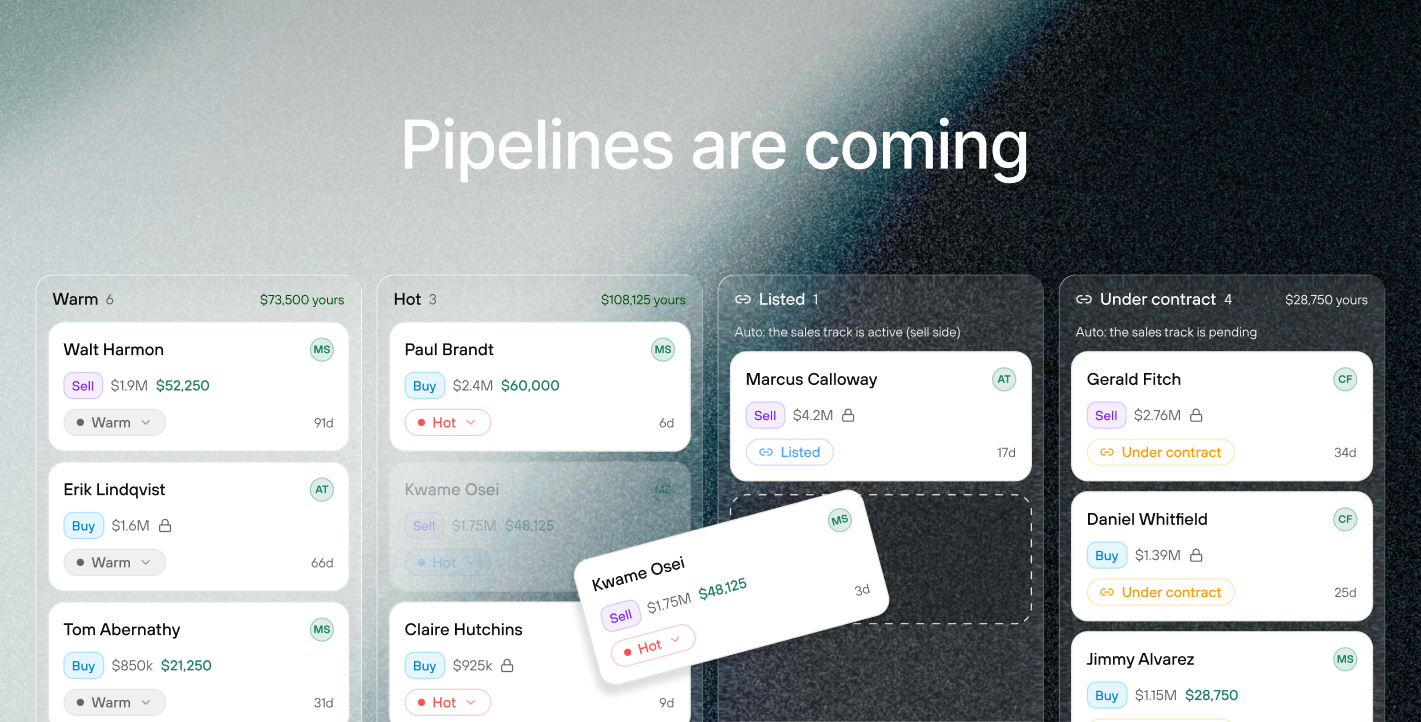
What we are building next
Maria, rebuilt. The chat changes above are the front end of a complete rebuild. Maria is moving onto an entirely new engine, and it changes what she can do rather than just how she looks. She will work across your whole business at once instead of one list at a time. She will read your documents, contracts, listing agreements, disclosures and inspection reports, and answer across all of them with the source attached. And you will be able to type @ to pull a specific listing, contract, property, person or document straight into the conversation, so you decide exactly what she is looking at. Faster, and far more capable.
Maria creates tasks for you. Maria stops being read-only. Ask her to set up the follow-ups on a new contract and she creates them, assigned and dated, instead of handing you a list to retype.
Contacts. Every person your team works with becomes a real record: buyers, sellers, the agent across the table, your lender, your inspector. Listings, contracts, deals and referrals all link back to that person, so a contact page shows the full history with them. Bring an existing client book in from a spreadsheet or another CRM.
Pipeline. One deal per opportunity, buy side or sell side, moving through stages your team names. Under Contract and Closed come from the real transaction rather than someone remembering to drag a card. Pipeline replaces Buyer Needs and folds in the Sales Tracker, so there is one board showing what is actually in play.
Tasks and checklists. One work item model that attaches to any record, with list, board and calendar views. Templates get relative dates, so "photo day minus four" schedules itself off the real date, and a template can apply automatically when a deal reaches a stage.
Referral tracking. Track what you send out and what comes in: who, which market, what stage, when the agreement expires, and the fee you expected against the fee that actually landed. When both teams are on MyOps, a referral becomes one shared record both sides can see rather than two people working from an old email thread.
MyOps MCP server. Connect MyOps to the AI you already use, whether that is Claude, ChatGPT or something else, and ask about your business from wherever you already work.
These are not separate features bolted on. Contacts, listings, contracts, deals and referrals all hang off one connected record model. That is what lets a referral fee reconcile against your commission ledger on its own, and what lets Maria answer across your whole business rather than one list at a time.
Also shipped
My Finances: hover any rounded figure to see the exact dollar amount, and the page now remembers which tab you were on
Agent earnings export respects the columns you chose in the Display menu
Pre-market listings show correctly across the app, and a listing can now come back off pre-market
Buyer need email notifications include the full submission details
Email times now display in your local timezone
Dialogs open centered instead of sliding in from the corner