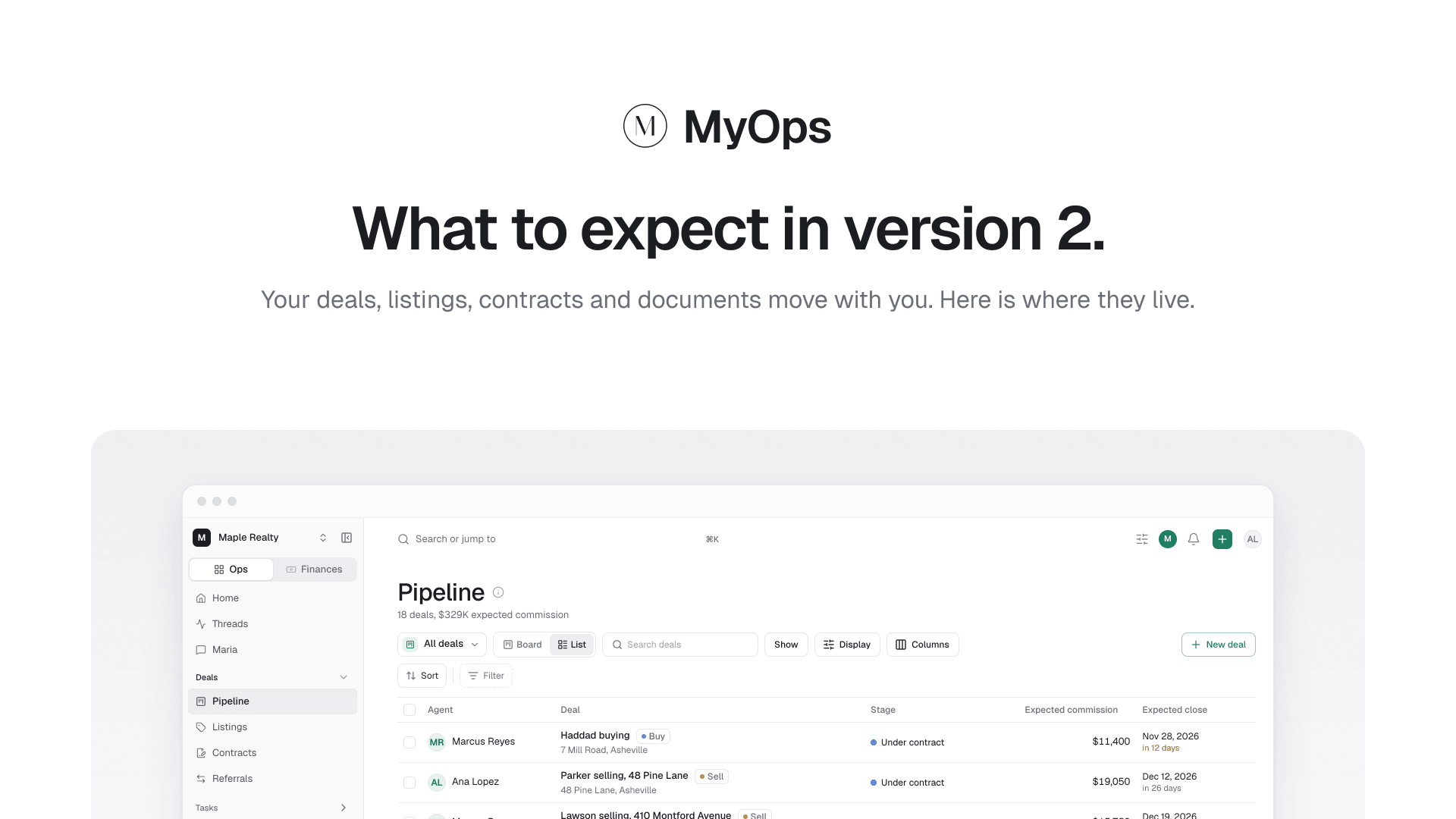
MyOps 2.0 is built around the deal. Your deals, listings, contracts and documents move with you. This page shows where they live now.
The big idea
Every buyer and every seller is a deal. Deals move across one board, the Pipeline. The listing, the contract, the tasks and the documents all sit on the deal.
Old app and 2.0, side by side
| In the old app | In 2.0 |
|---|---|
| Buyer needs | A buyer need is a deal in the Pipeline, in an early stage, before there is a contract |
| Listings and contracts | They live on the deal. You can still see them all in Deals > Listings and Deals > Contracts |
| Stages | One board, with early stages you can rename and add to |
| Tasks and checklists | They live on the deal. A checklist can also stand alone, to run a project |
| Checklist templates | A template can add a checklist for you when a deal reaches a stage |
| Notes, files and Classroom | One place: Docs. Folders like a drive, a folder for each deal, and Classroom as a folder |
| Financials | Finances is its own tab: earnings, transactions, P&L, commissions and referral fees |
| Referrals | Deals > Referrals tracks the ones you send out and the ones sent to you |
| Maria | Maria can do things for you, and asks before she makes a change |
| Contacts | Directory > People and Directory > Companies |
| Phone app | A new iPhone app. On Android, use MyOps in your phone's browser for now |
After the move
A few homes may need an address. If the old address was not a real map address, you pick the right one. See the last link below.