What it is
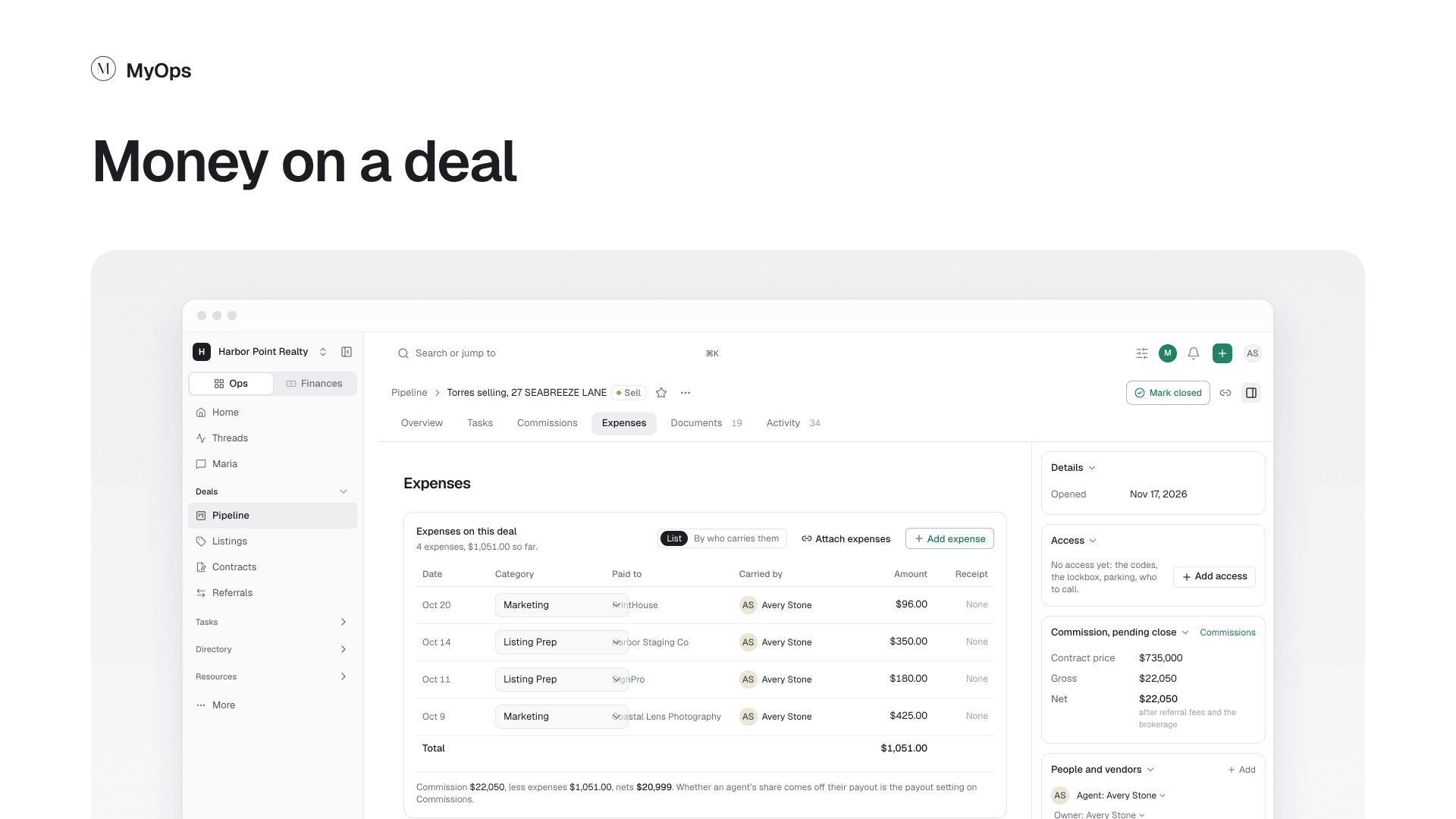
The deal's money, in two tabs: Commissions for what the deal pays and how it is split, and Expenses for what was spent on it.
What you can do here
- On Commissions, see what the deal pays and your payout. Once the deal has a contract, add its commission here.
- Change the split, or select Apply a template, then Save split.
- On Expenses, select Add expense, or Attach expenses to add ones already logged.
- Under the expenses, see what the commission nets after them.
Who sees it
Only the agents on the deal and people who may see others' earnings. Sharing a deal never shares its money. Owners and admins with access to finances change the commission and the split. The deal's agents, its owner and admins add expenses.