What it is
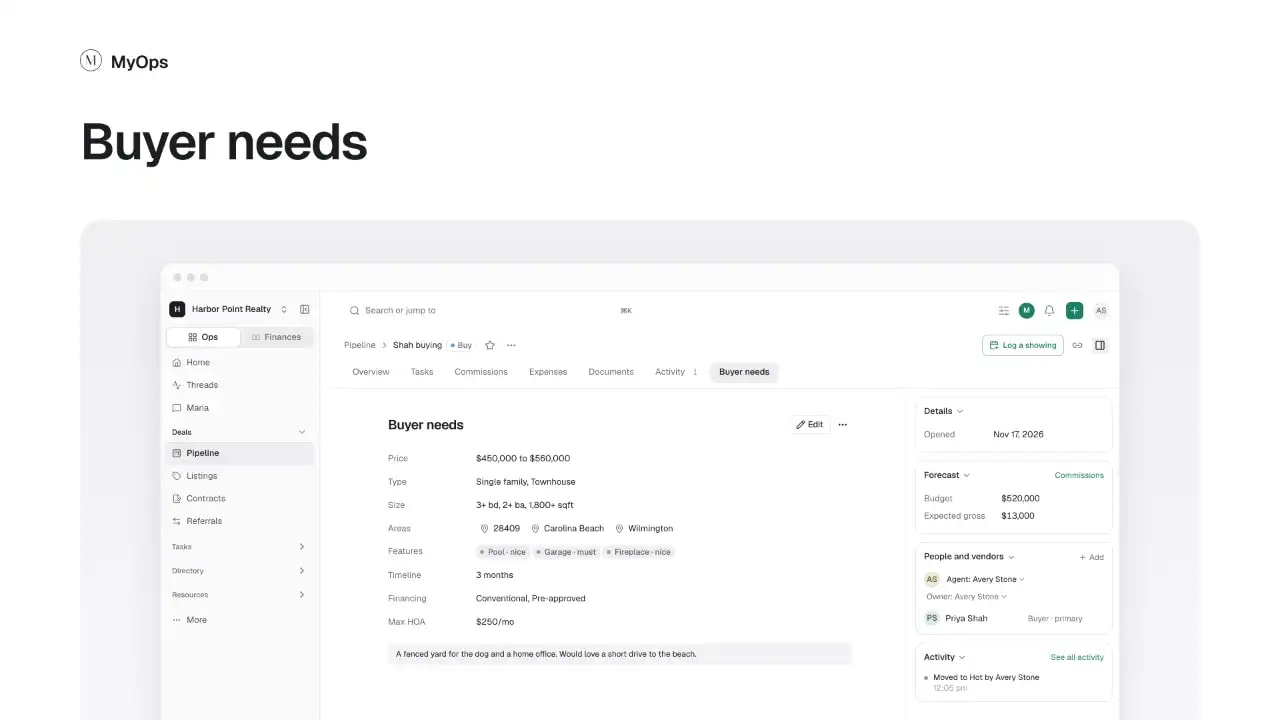
What the buyer is looking for: price, type, size, areas, features, timeline and financing.
What you can do here
- To add one, select the + after the last tab, then Add buyer need. The tab shows once the deal has one.
- Select Edit to change the needs.
- Look through Matches, the listings that fit, and mark each one Sent, Toured or Dismissed.
Good to know
- What the buyer is looking for, budget included, is open to the whole workspace, even on a private deal. Others see whose buyer it is, never the client or the deal's name.
- Dismissing a match clears it from your list only. The listing's agent still sees your buyer.
Who sees it
Everyone who can see the deal. Its agents, its owner and admins add and change the needs. Buyer needs are for buy deals: a sell deal has none.