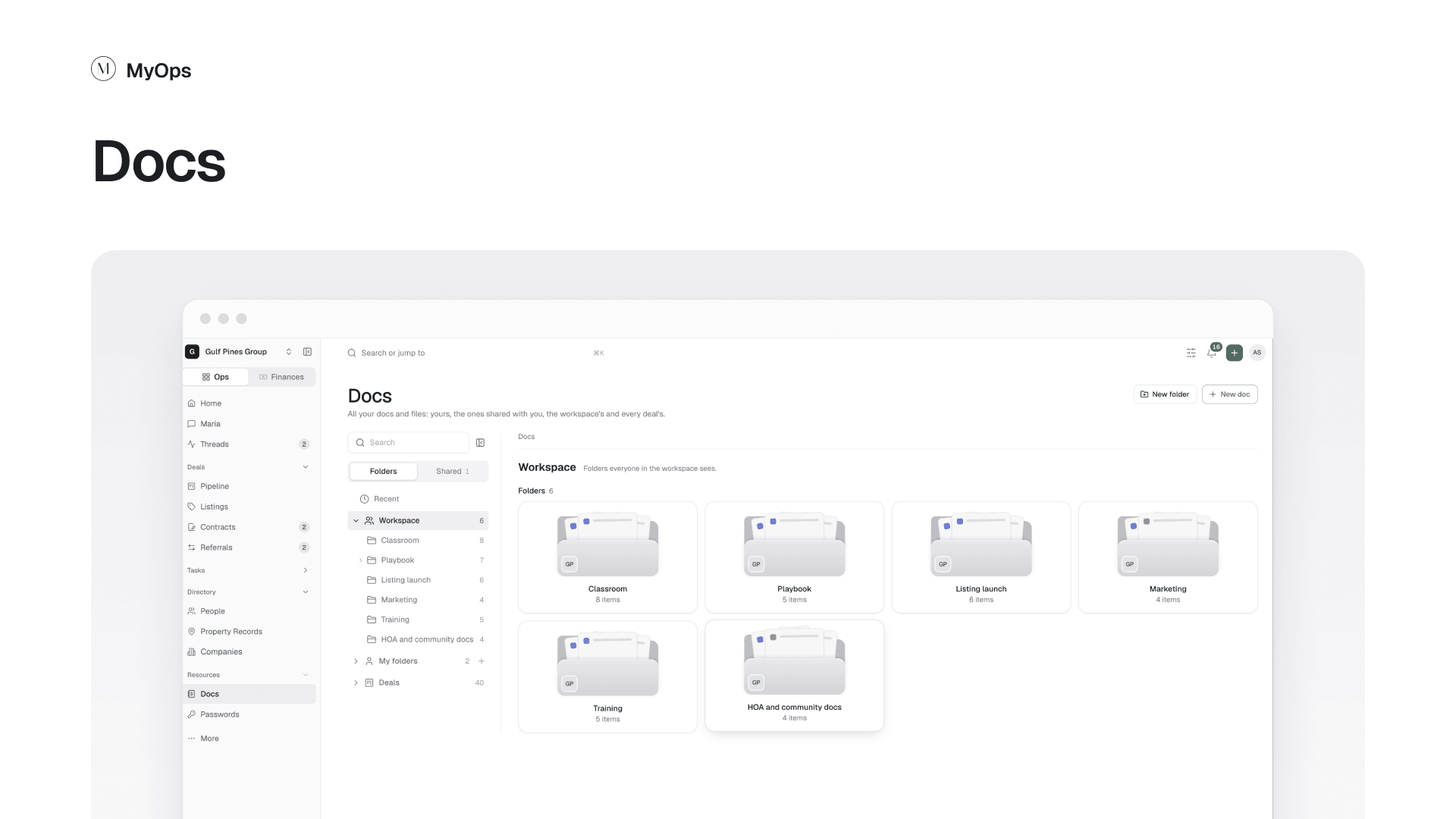
Docs is the one place for what you write and what you upload. It works like a drive: everything sits in folders.
Steps
- In the sidebar, open
Resources>Docs. - Pick a place on the left: Recent, Workspace, My folders or Deals.
- Select New folder to make a folder.
- Select New doc to write something, or drop files onto the page to upload them.
- To find a deal's files, open Deals and pick the deal. Each deal is a folder.
Good to know
- Notes from the old app's Notes page are docs now, in the same folders and seen by the same people as before.
- Classroom is a folder under Workspace. Classroom is no longer its own area.
- A deal's files live in two places: the Documents tab on the deal, and the deal's folder under Deals here. They are the same files, so a file added in one shows in the other.
- On a deal, the Listing and Contract folders fill in from its listing and contract.
- The Documents tab shows how many files the deal holds, and Open the deal in Docs takes you back to it.
- You choose who sees a doc or folder: only you, people you pick, or the workspace.
Who can do it
Everyone. You see your own docs, what is shared with you, the workspace's folders and the deals you can see.